Clean
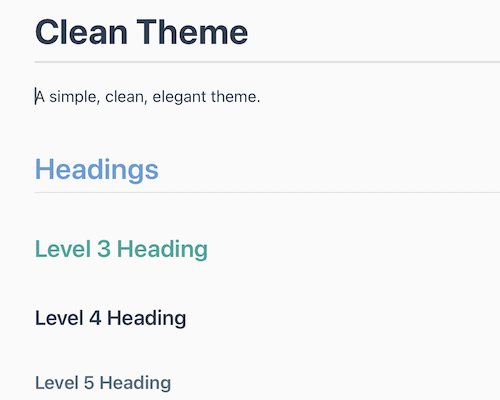
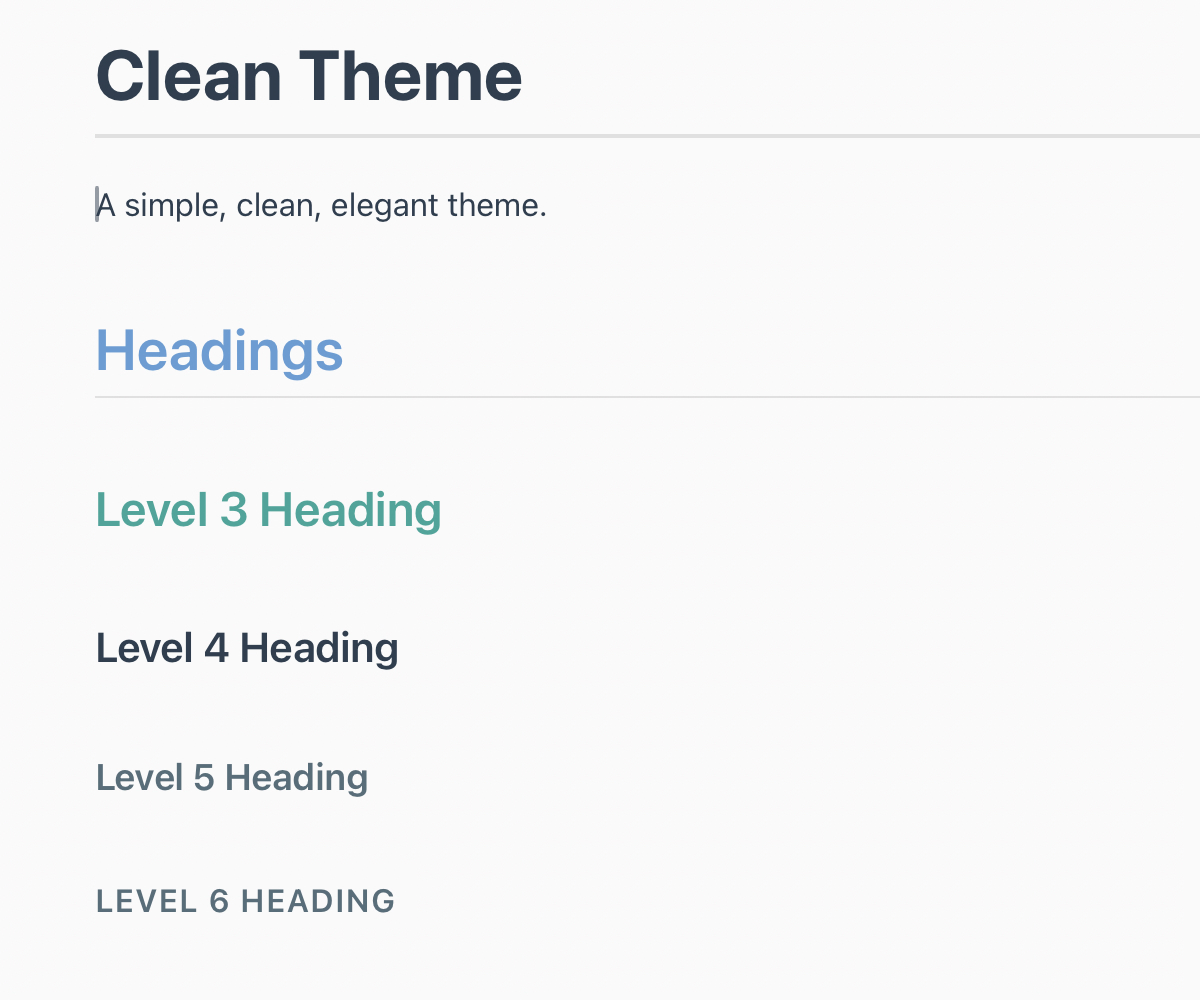
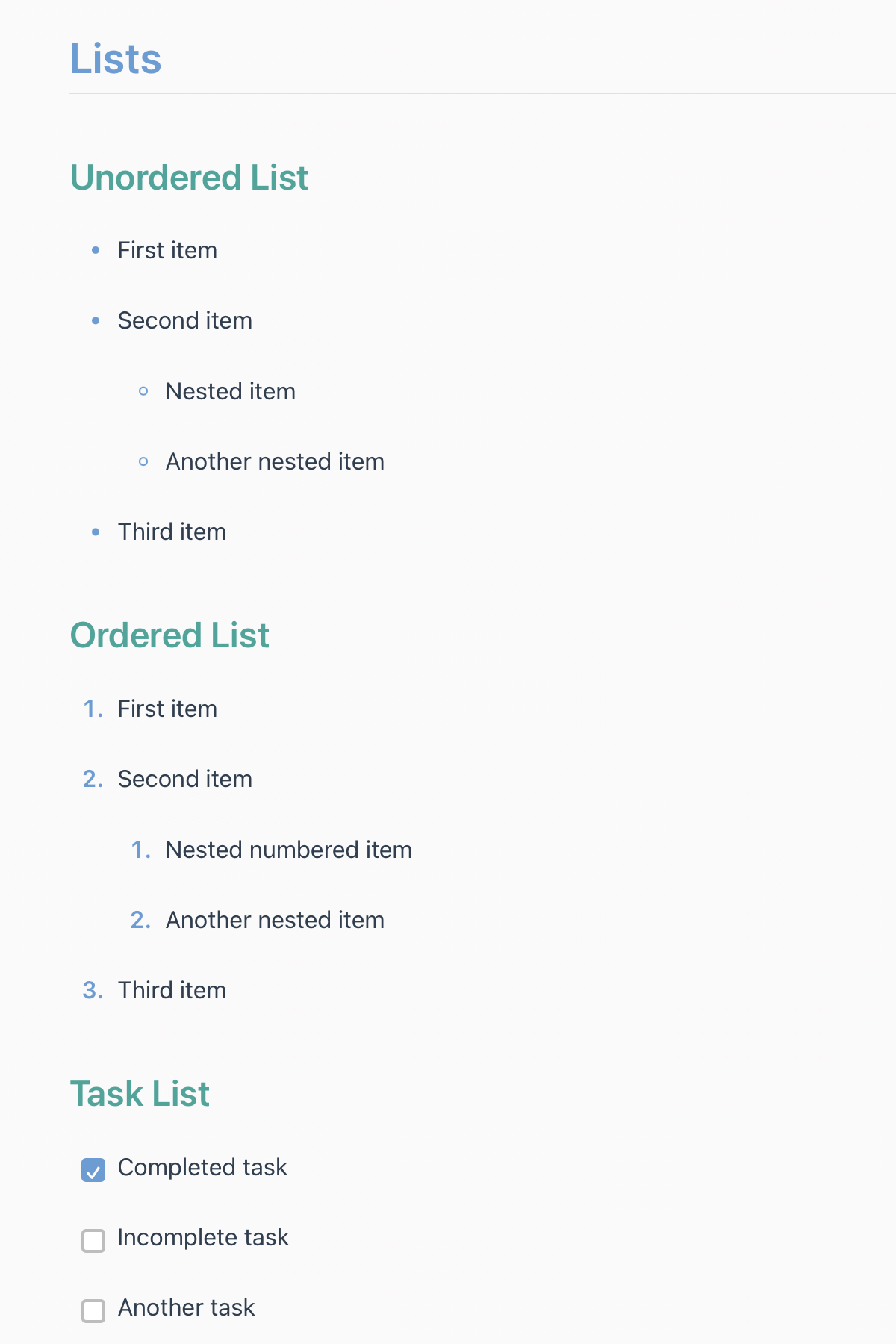
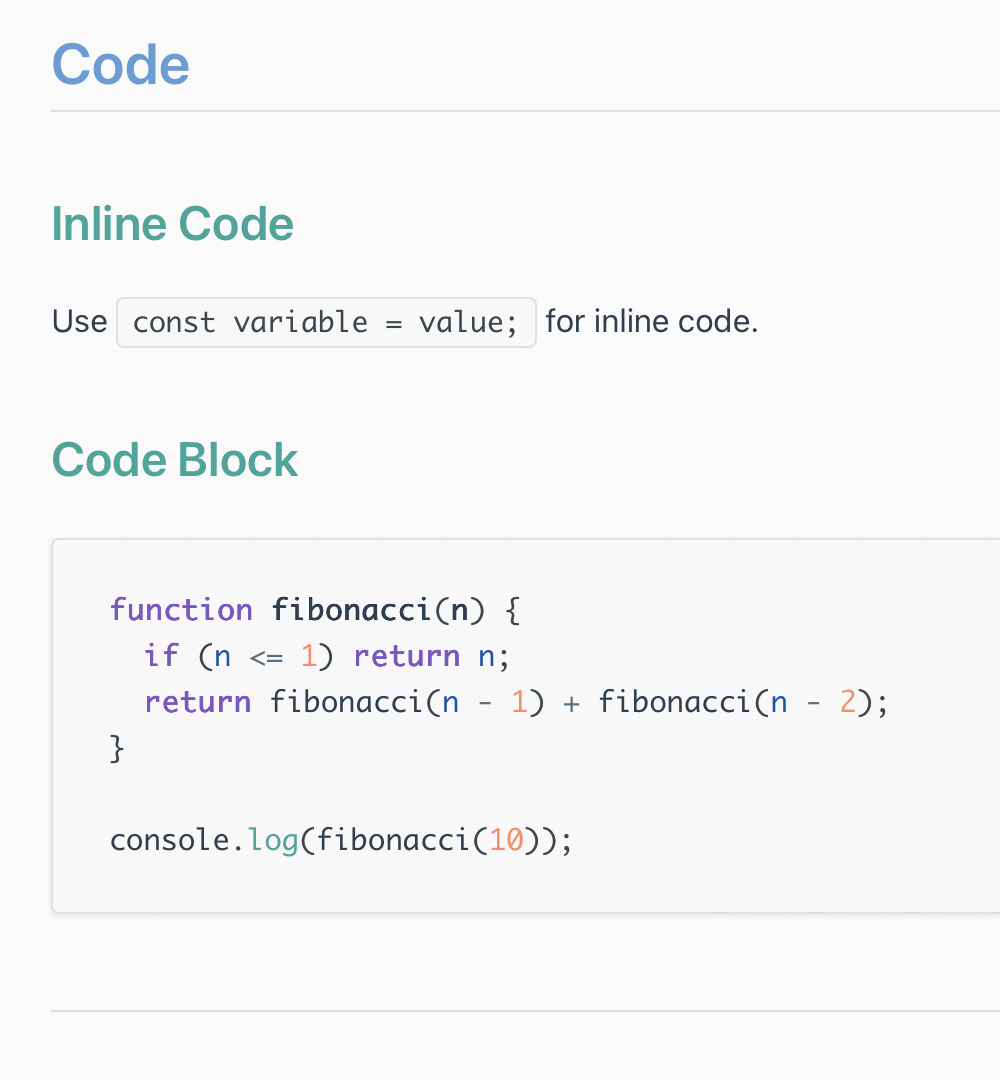
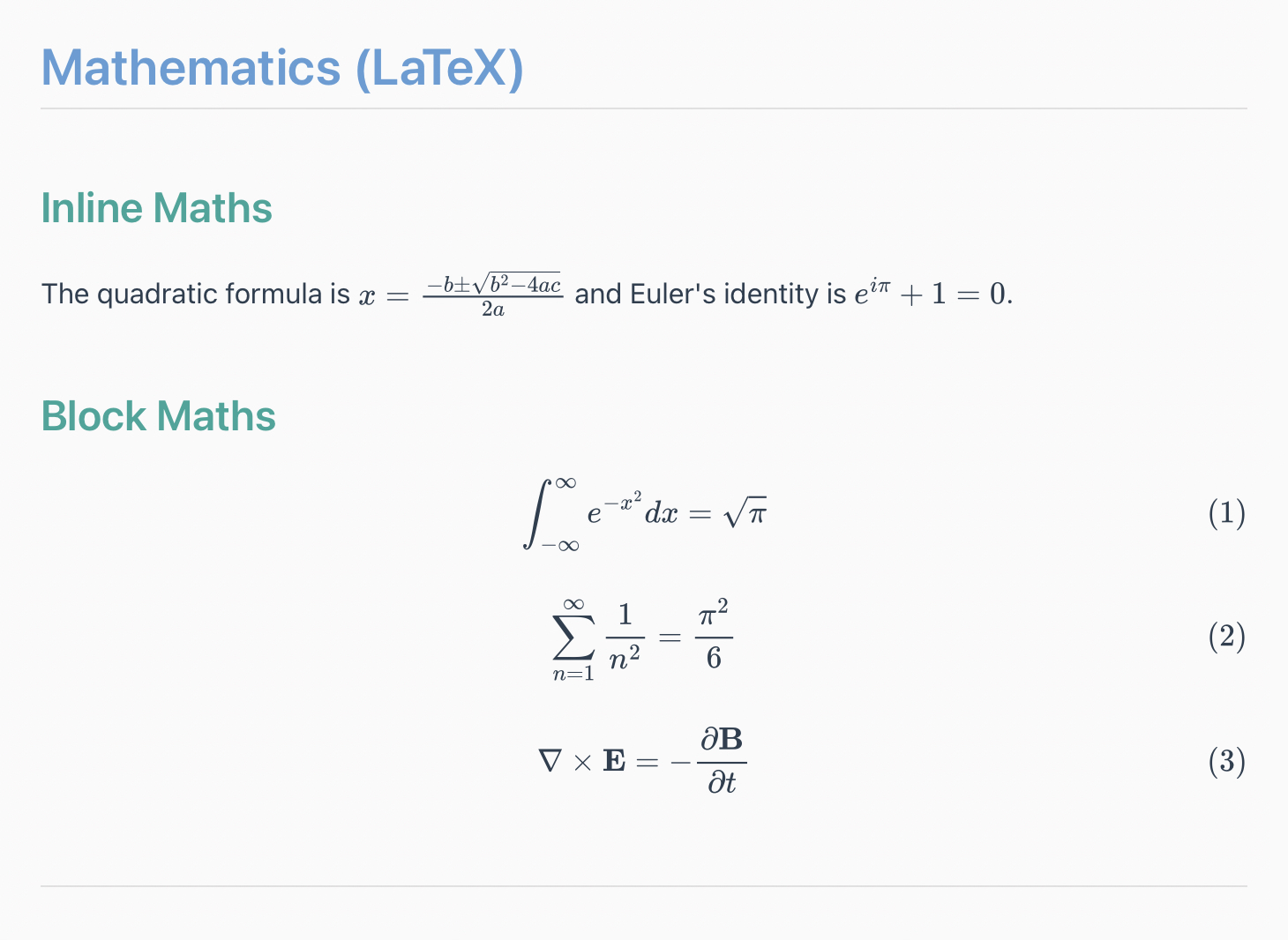
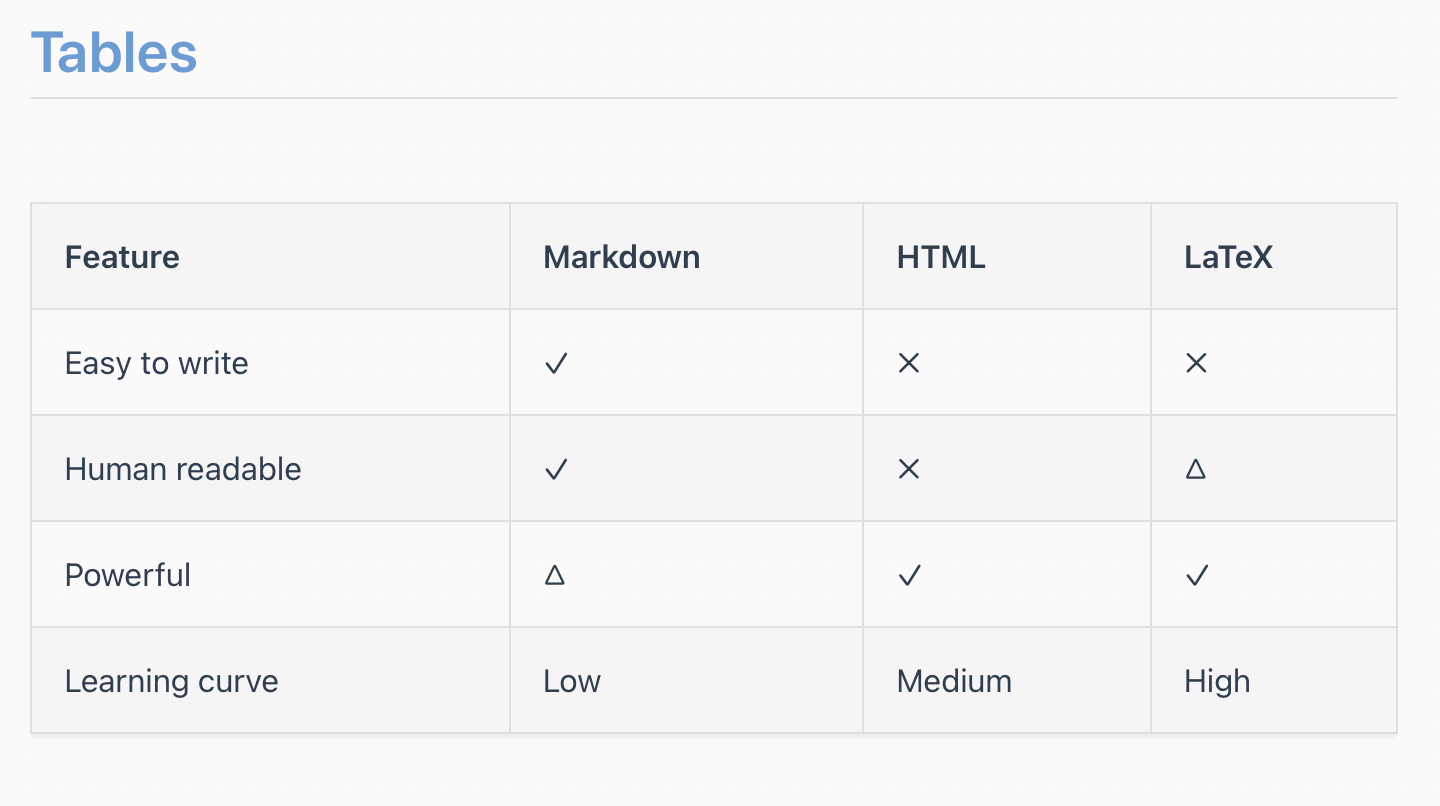
A simple, clean, elegant, light theme.
Designed and tested on MacOS. Not fully tested, but should work for Windows/Linux.
Screenshots:
Installation
- Download the theme files
- https://github.com/channingwalton/typora-themes/tree/main/clean/clean-light.css
-
Locate Typora’s theme folder
- Open Typora → Preferences → Appearance → Open Theme Folder.
-
Copy theme files
- Place the css file into the theme folder.
-
Apply the theme
- Restart Typora, then select Clean Light from the Themes menu.
Author
Channing Walton GitHub: channingwalton