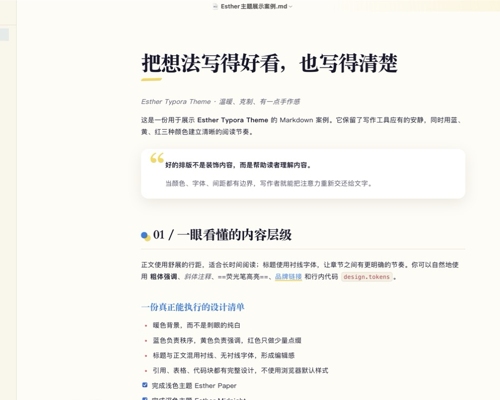
Esther Inspired
Esther Inspired
Esther Inspired is a pair of Typora themes made for Chinese long-form writing and knowledge work. Paper provides a warm, restrained light canvas, while Midnight offers a low-glare navy dark mode. Both variants share the same editorial hierarchy, quotation cards, half-height marker highlights, tables, task lists, and code styling. The latest version gives each variant an Apple-inspired code editor surface with matched toolbars, window controls, cursor contrast, and active-line visibility.
This is an unofficial, non-commercial adaptation inspired by the visual language of Esther Design System, created by ESTHER不二 (esthersjw). It is not affiliated with or endorsed by the original author. The theme is shared under CC BY-NC-SA 4.0 and may not be used commercially.
Designed and tested on macOS. It should work on Windows and Linux with the included system-font fallbacks, but those platforms have not been fully tested.
Overview
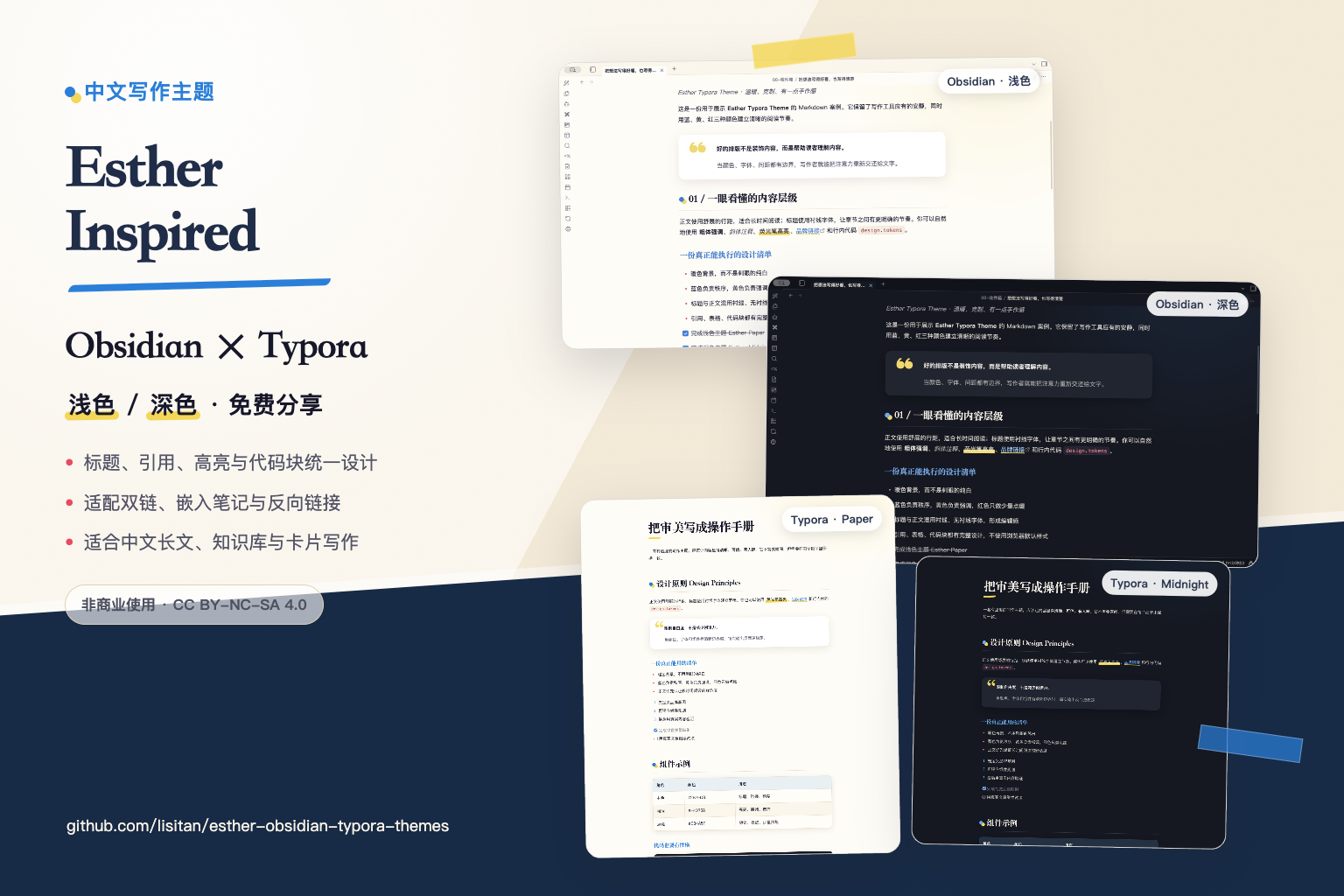
Paper — Light
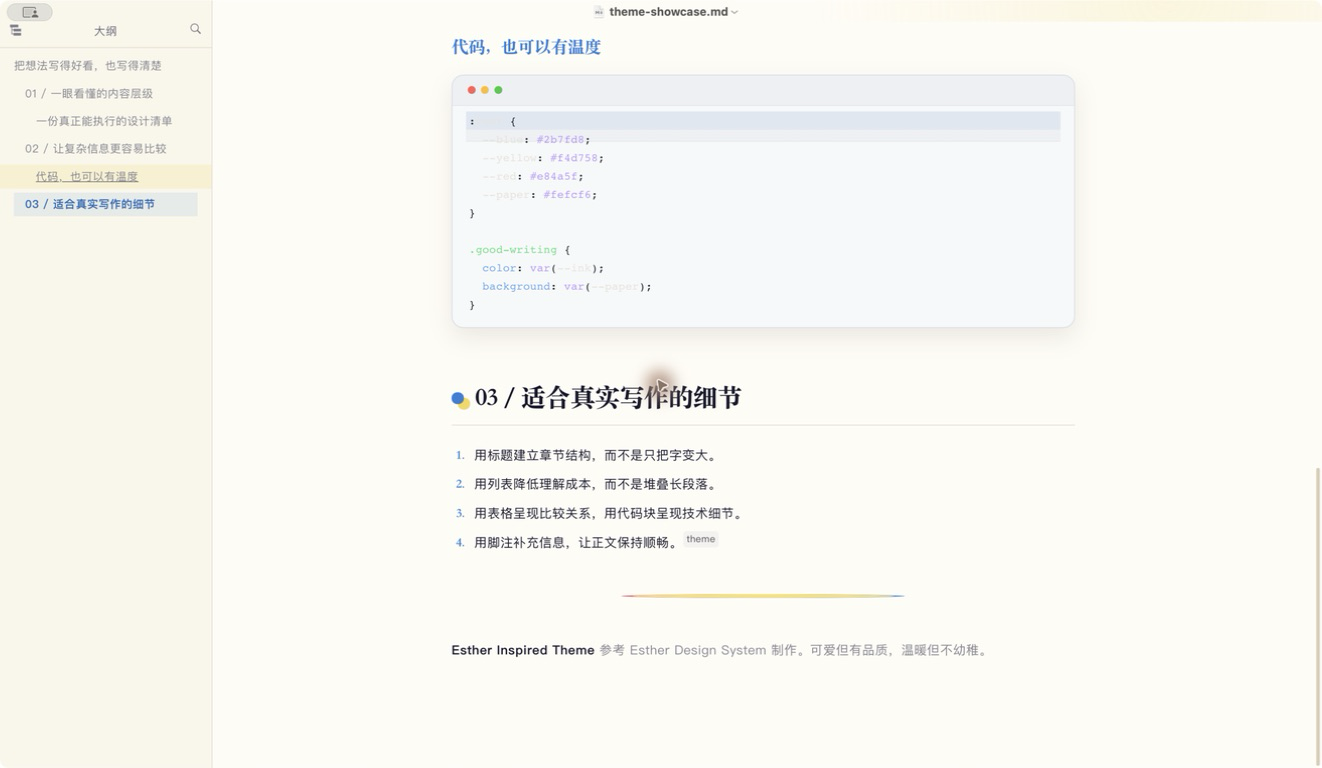
Midnight — Dark
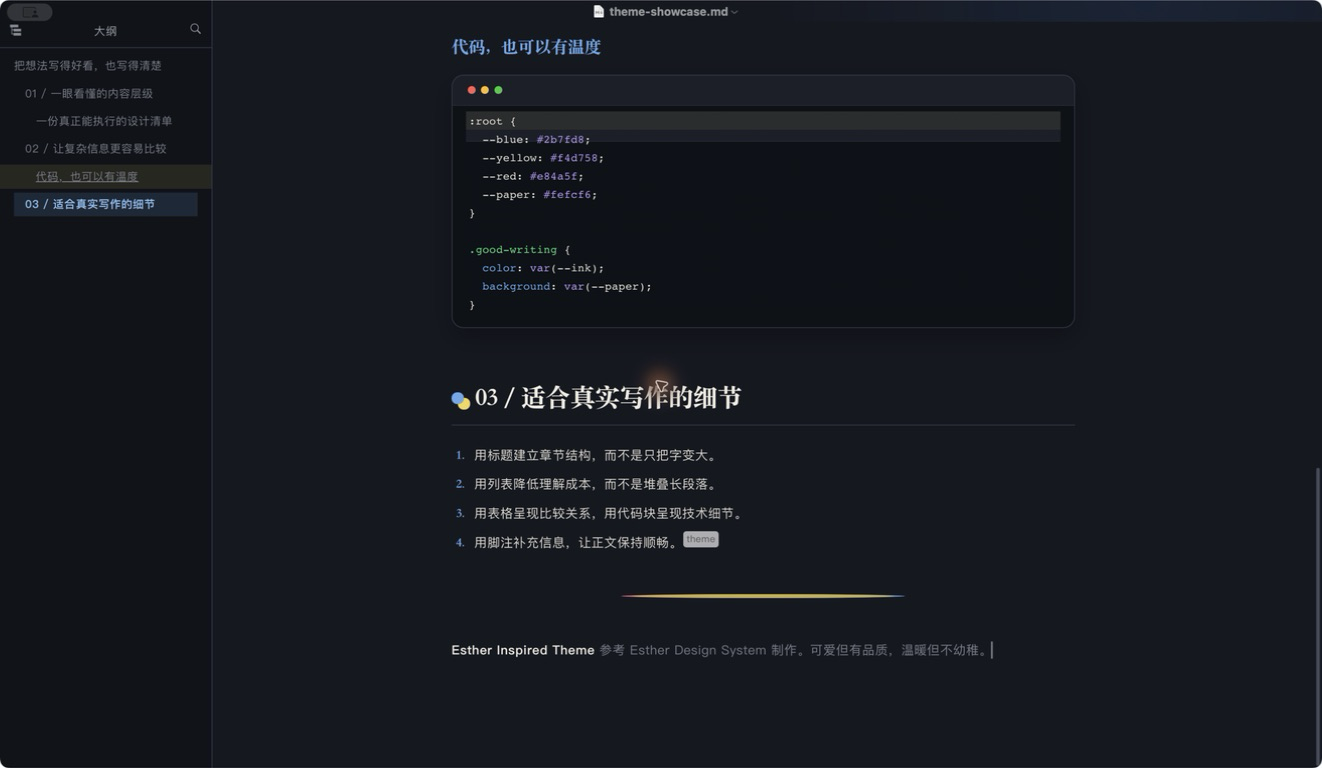
Features
- Light and dark variants with a consistent visual language.
- Chinese-first typography for long-form reading and writing.
- Clear heading hierarchy with blue structural accents.
- Blockquotes rendered as calm quotation cards with a yellow quote mark.
- Half-height marker highlights that keep the upper half of text clear.
- Coordinated tables, task lists, footnotes, inline code, and fenced code blocks.
- Local system-font stacks with no remote assets.
Installation
- Download and extract the latest release archive.
- In Typora, open Settings → Appearance → Open Theme Folder.
- Copy
esther-inspired-paper.cssandesther-inspired-midnight.cssinto the theme folder. - Restart Typora, then select Esther Inspired Paper or Esther Inspired Midnight from the Themes menu.
中文说明、完整截图、署名与许可证信息请见 GitHub 仓库。