LaTeX Typora
LaTeX Typora
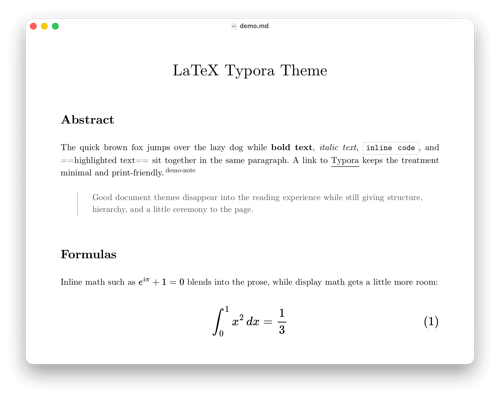
LaTeX Typora is a family of Typora themes inspired by classic LaTeX documents, including a more code-forward dark variant for developer-heavy Markdown.
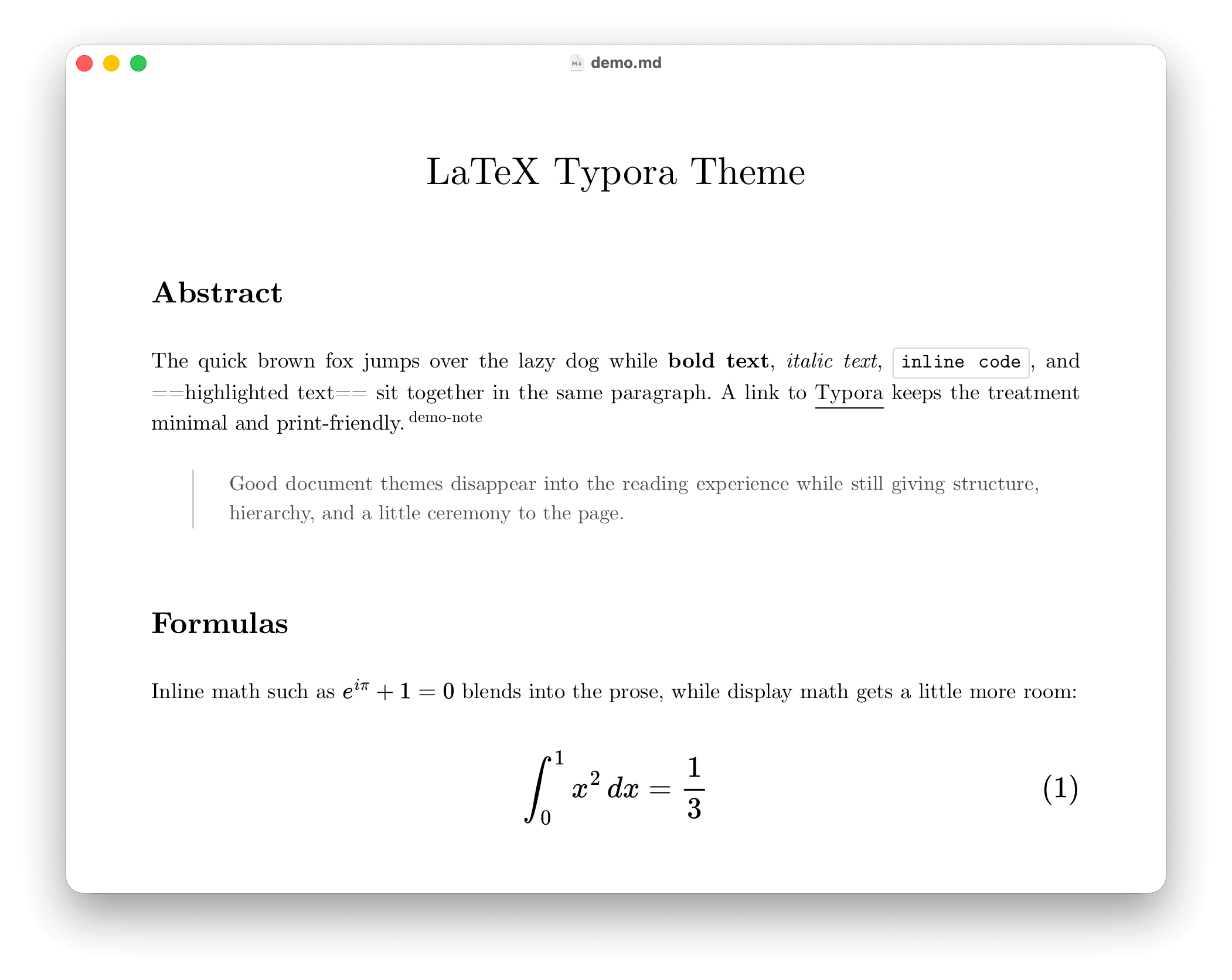
Light mode
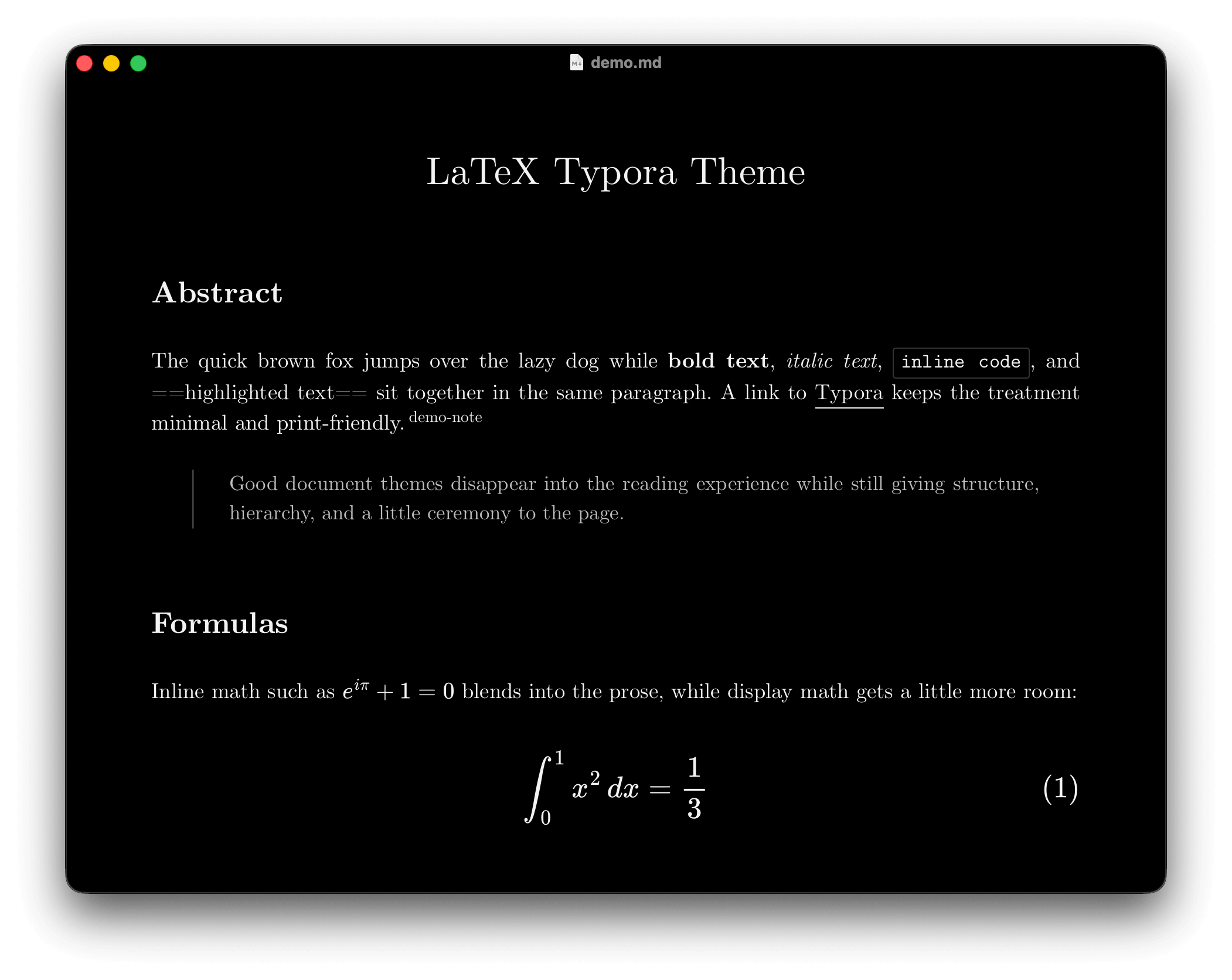
Dark mode
Features
- Includes
latex.css,latex-dark.css, andlatex-dev-dark.cssfor reading-focused and code-heavy workflows. - Bundles Latin Modern, JuliaMono, iA Writer Mono, and Noto Nastaliq Urdu font assets for offline use.
- Uses LaTeX-style spacing and justified prose in
latex/latex-dark, plus a scan-friendly left-aligned layout inlatex-dev-dark. - Supports Urdu and Persian Nastaliq in
latex/latex-darkvialang="ur"andlang="fa"on block or inline content. - Refines tables, blockquotes, links, footnotes, math, diagrams, code fences, and Typora UI surfaces in a consistent monochrome look.
Installation
- Download the latest release and extract it.
- In Typora, open
Preferences->Appearanceand clickOpen Theme Folder. - Copy
latex.css,latex-dark.css,latex-dev-dark.css, and thelatex_fontsfolder into Typora’s theme folder. - Restart Typora and select
latex,latex-dark, orlatex-dev-darkfrom the Themes menu.
Designed and tested on macOS. Not fully tested, but should work for Windows/Linux.
For source, updates, and installation notes, visit shamsghi/LatexTypora.