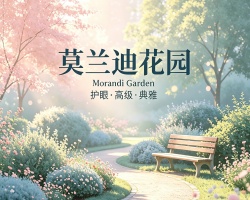
MorandiGarden Theme
MorandiGarden Theme
MorandiGarden is a Typora theme inspired by the muted, elegant color palette of Giorgio Morandi’s still-life paintings. The goal is to create a calm, focused writing environment that reduces eye strain during long sessions while maintaining visual sophistication.
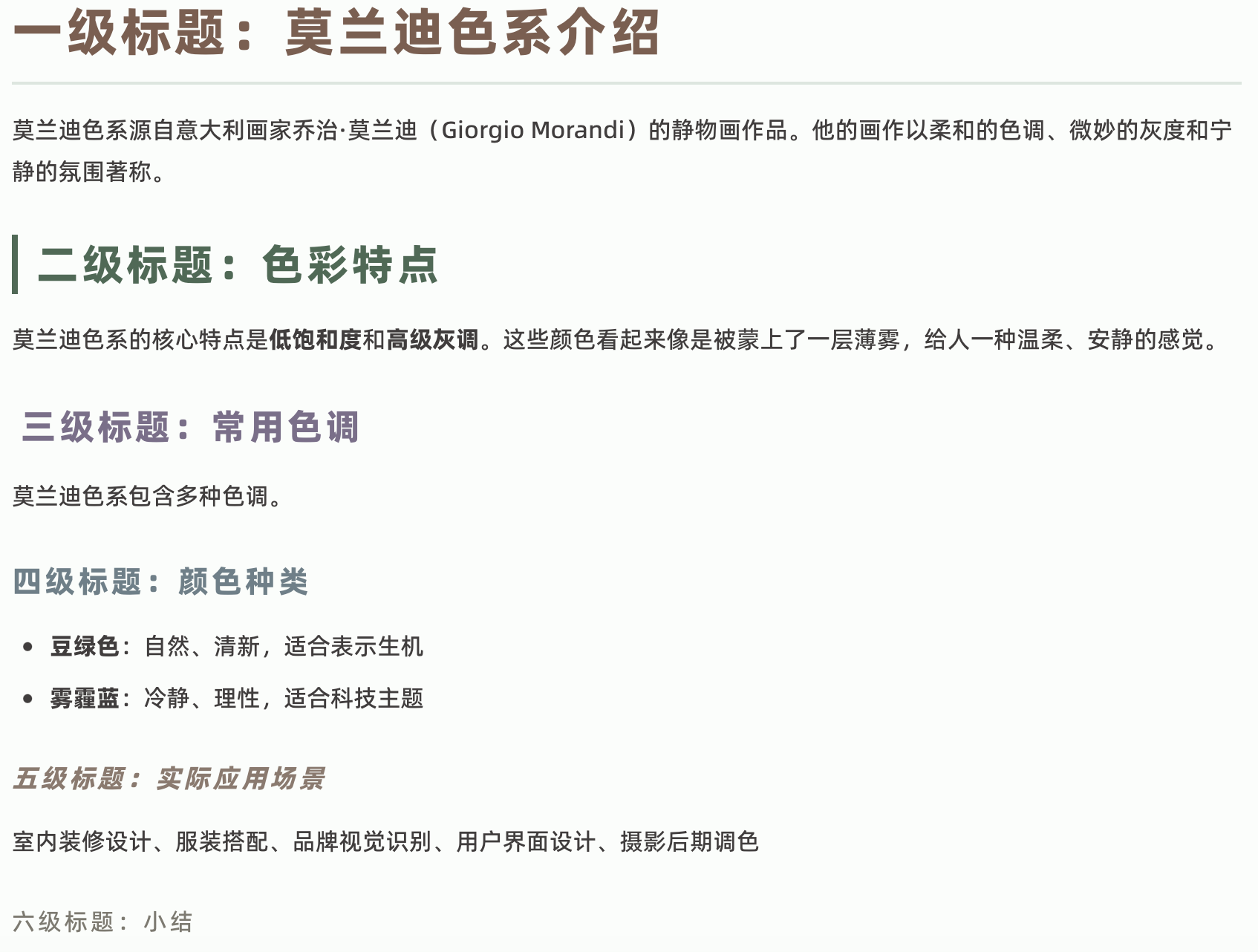
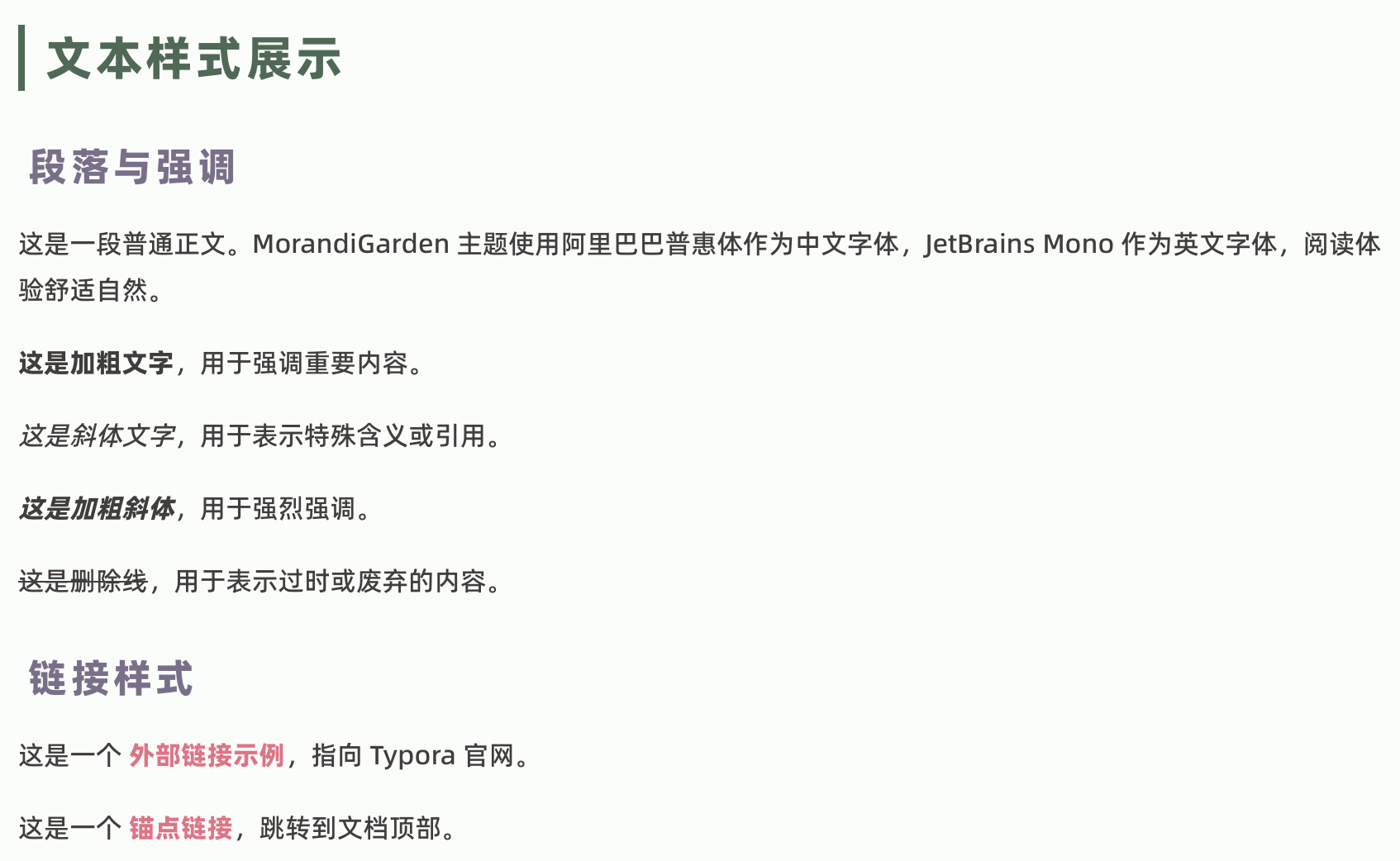
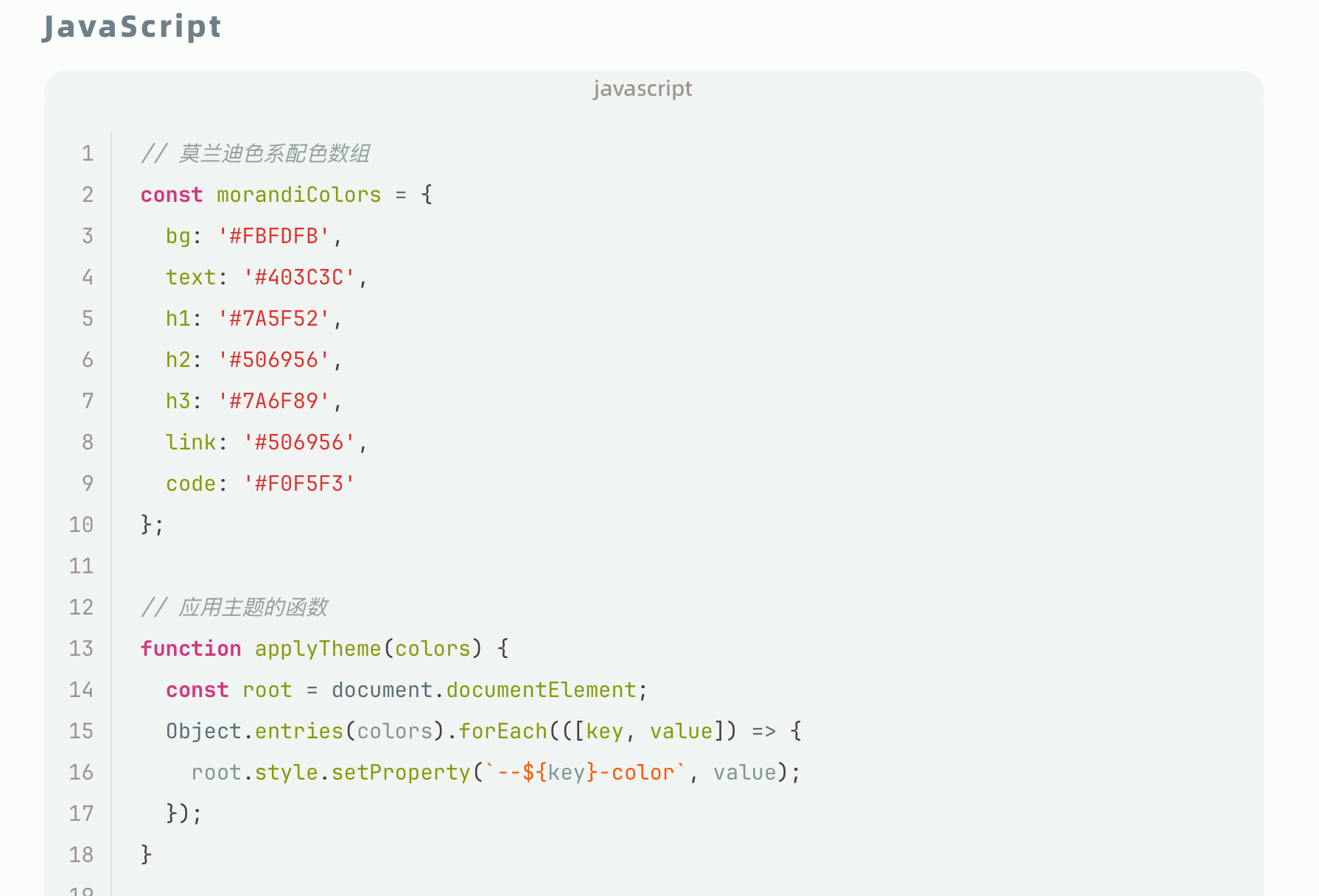
The theme features a carefully curated Morandi color system—soft beiges, muted greens, dusty purples, and warm grays—applied consistently across headings, links, code blocks, tables, blockquotes, and task lists. Chinese typography is optimized with Alibaba PuHuiTi font for comfortable reading.
Designed and tested on macOS. Should work on Windows and Linux.
Installation
- Download
MorandiGarden.v1.0.zip. - Open Typora and go to
Preferences > Appearance > Open Theme Folder. - Copy
morandigarden.cssand themorandigarden/folder (containing fonts) into the opened theme folder. - Restart Typora.
- Select
MorandiGardenfrom the theme menu.
Note: The morandigarden/ folder contains required font files (Alibaba PuHuiTi and JetBrains Mono). Both the CSS file and the fonts folder must be present for the theme to display correctly.
Usage
Choose MorandiGarden from Typora’s theme menu. The theme will automatically apply to your document.
For best results, ensure your document uses proper Markdown syntax—headings, lists, code fences, and tables will all render with the Morandi color palette.
Preview

中文
MorandiGarden 的配色来自乔治·莫兰迪的静物画——那些蒙着一层灰调的瓶瓶罐罐,不张扬却耐看。把这个感觉搬到写作界面里,就是想让你在盯着屏幕几个小时后,眼睛不会累,心情不会躁。
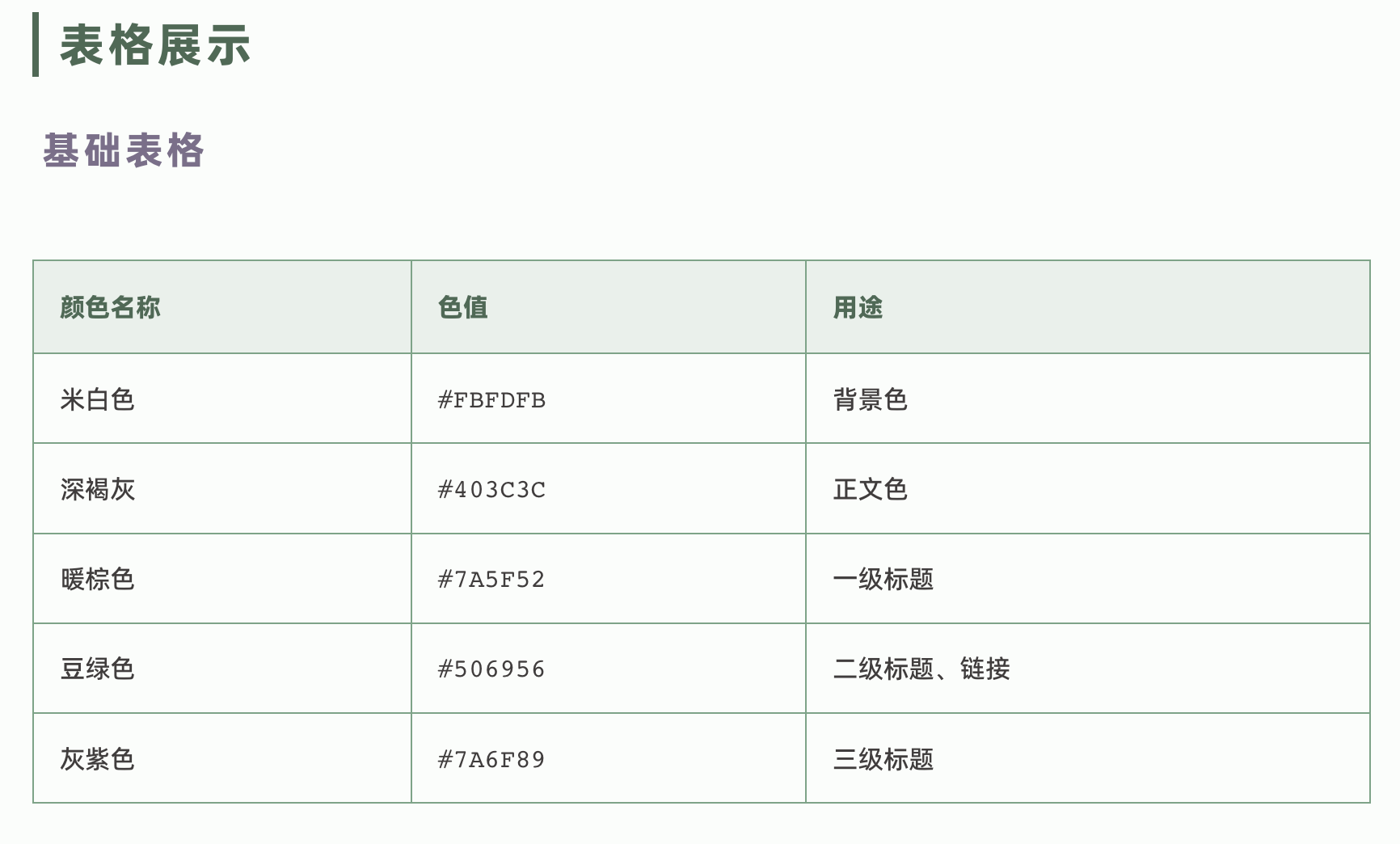
主题用色很克制:米白背景、深褐灰文字,六级标题从暖棕到灰紫各有区分。中文用了阿里巴巴普惠体,代码用 JetBrains Mono,都是看着舒服的字体。列表带竖线、任务列表有圆框动画、引用块带圆角——这些小细节让排版更有条理,写起东西来也更顺心。
安装
下载 MorandiGarden.v1.0.zip,将 morandigarden.css 和 morandigarden/ 字体文件夹一起复制到 Typora 主题目录,重启后即可在主题菜单中选择使用。
注意: 字体文件夹内包含阿里巴巴普惠体和 JetBrains Mono 字体文件,必须与 CSS 文件一起放置,否则主题无法正常显示。