OpenCode
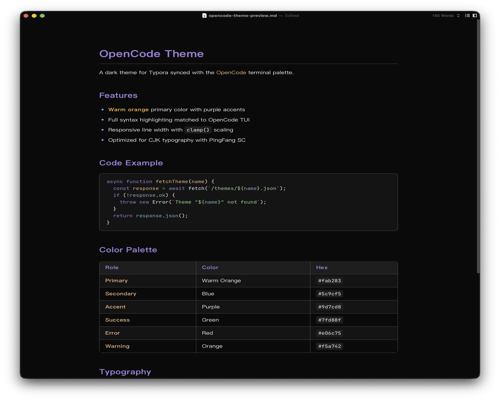
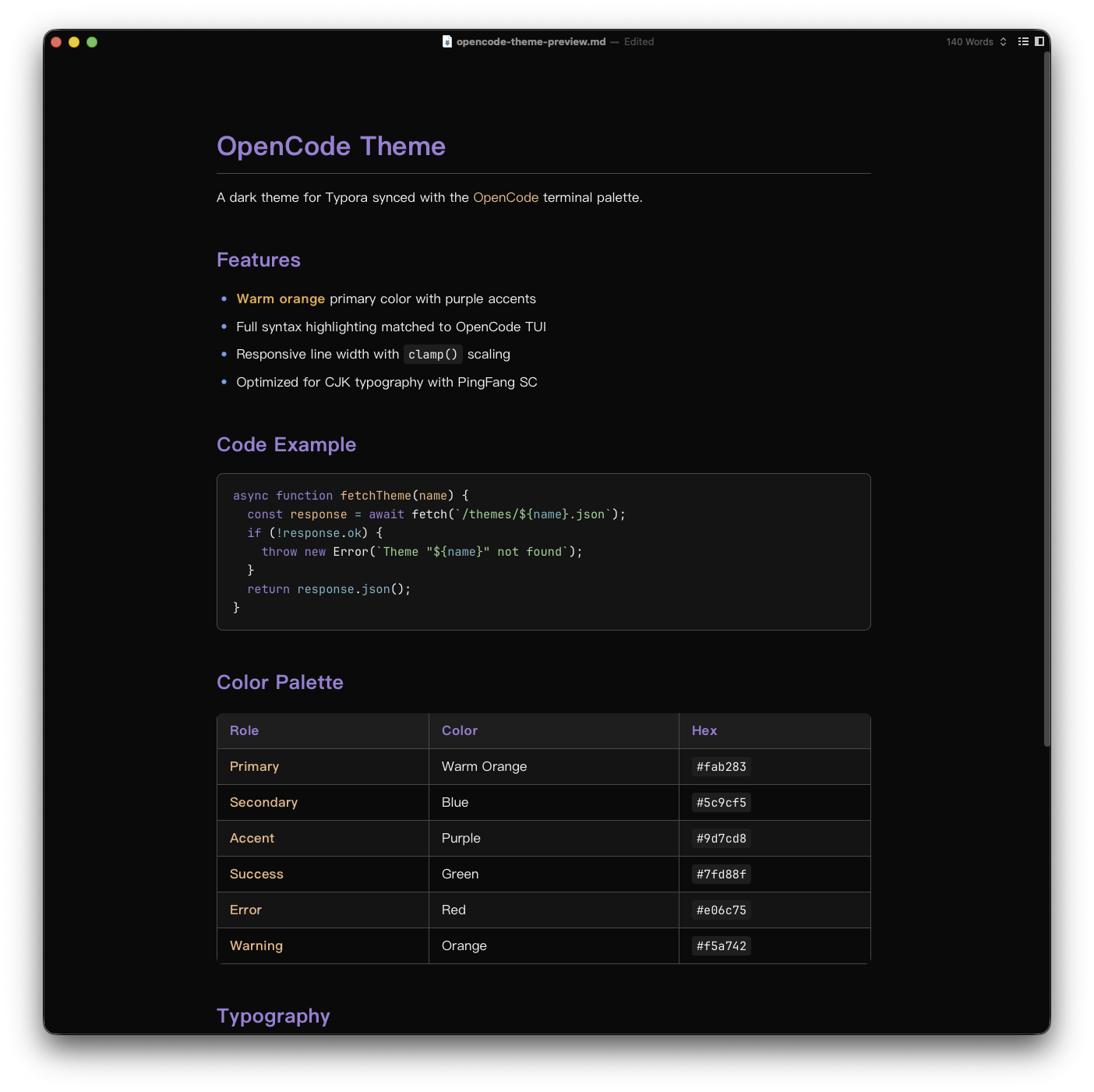
A dark theme synced with the OpenCode terminal palette — warm orange primary, purple accents, and a neutral gray scale background.
Features
- Exact OpenCode TUI palette — primary
#fab283, accent#9d7cd8, secondary#5c9cf5 - Full syntax highlighting matched to OpenCode terminal colors
- Optimized for CJK typography (PingFang SC + JetBrains Mono)
- Dark mode only
Color Palette
| Role | Color | Hex |
|---|---|---|
| Primary | Warm Orange | #fab283 |
| Secondary | Blue | #5c9cf5 |
| Accent | Purple | #9d7cd8 |
| Success | Green | #7fd88f |
| Error | Red | #e06c75 |
| Warning | Orange | #f5a742 |
Install
- Download opencode.css
- Open Typora → Preferences → Appearance → Open Theme Folder
- Copy
opencode.cssinto the theme folder - Restart Typora and select opencode from Themes menu
Designed and tested on macOS. Should work on Windows/Linux but not fully tested.
Credits
Based on the OpenCode terminal default theme (opencode.json).