Outside
Outside
A Typora theme family with three variants that share the same typographic system:
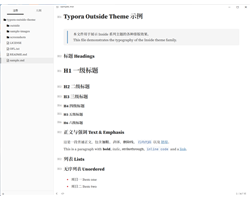
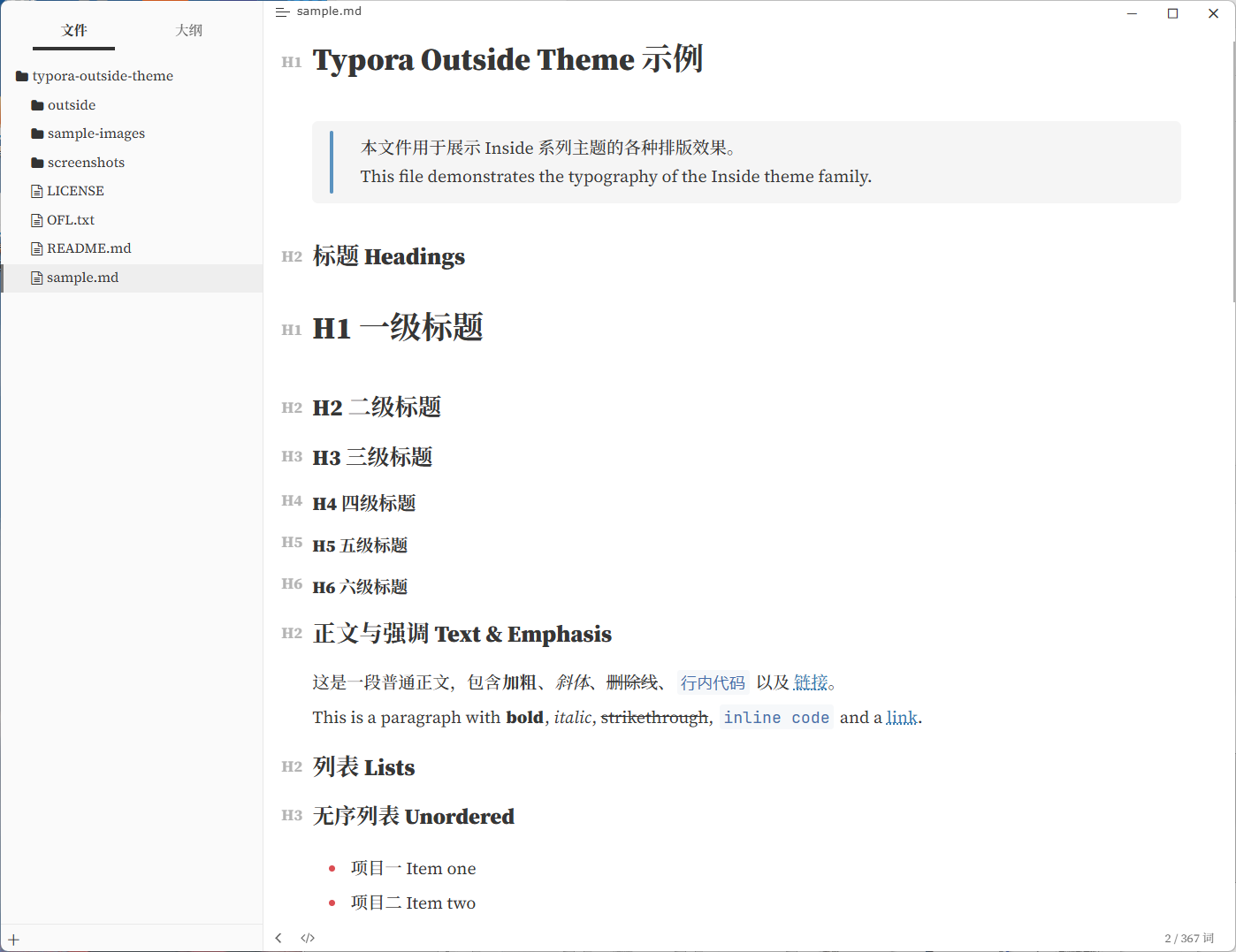
- Outside — a clean white theme. English uses the serif typeface Source Serif 4, Chinese uses Source Han Serif (Song style), with a blue accent.
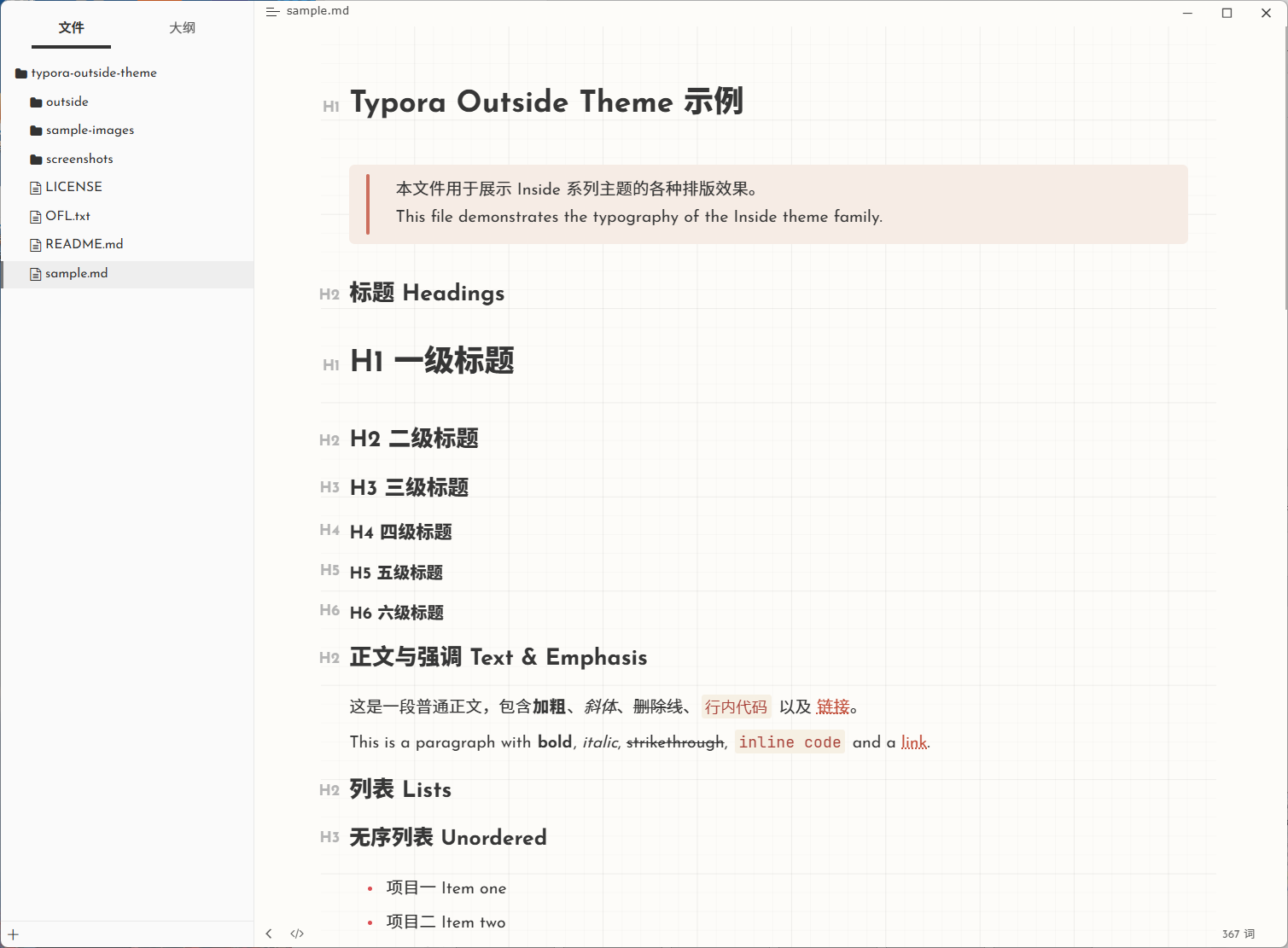
- Outside Paper — a warm paper theme. English uses the rounded Josefin Sans, Chinese uses rounded typefaces, with sunset-red / sunset-purple accents on a warm paper background.
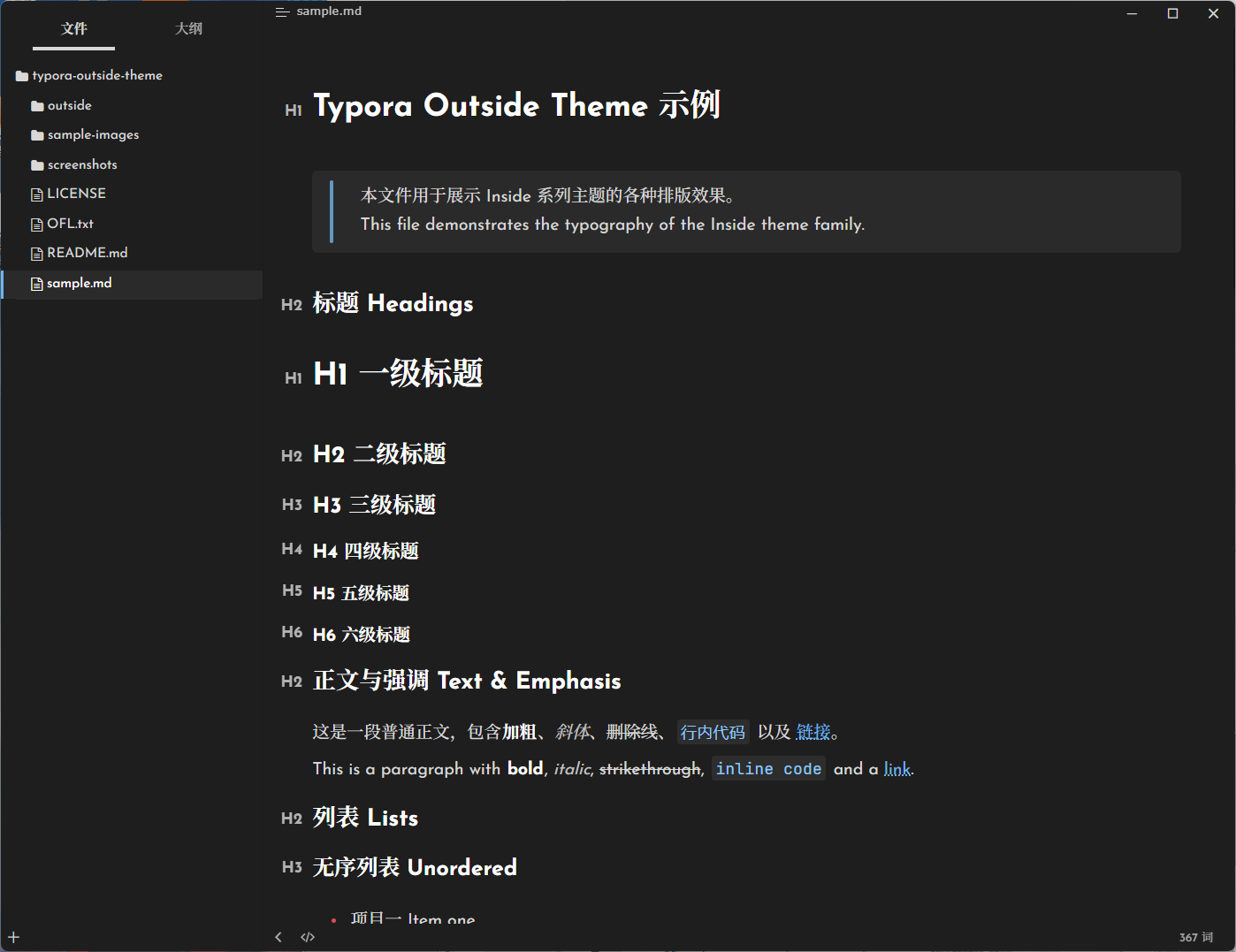
- Outside Dark — a full dark theme with a completely darkened Typora UI (sidebar, title bar, menus, dialogs), with a blue accent.
All fonts are bundled with the theme and are open-source under the SIL Open Font License 1.1. Designed and tested on Windows.
Screenshots
Outside (white)
Outside Paper (warm paper)
Outside Dark (black)
Install
- Download the latest
outside-theme.zipfrom the releases page. - Open Typora →
Preferences→Appearance→Open Theme Folder. - Copy everything from the zip into that folder.
- Restart Typora and choose Outside, Outside Paper, or Outside Dark.