Paperglow Theme
Paperglow Theme
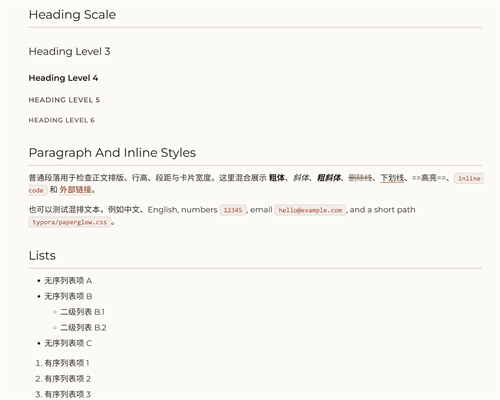
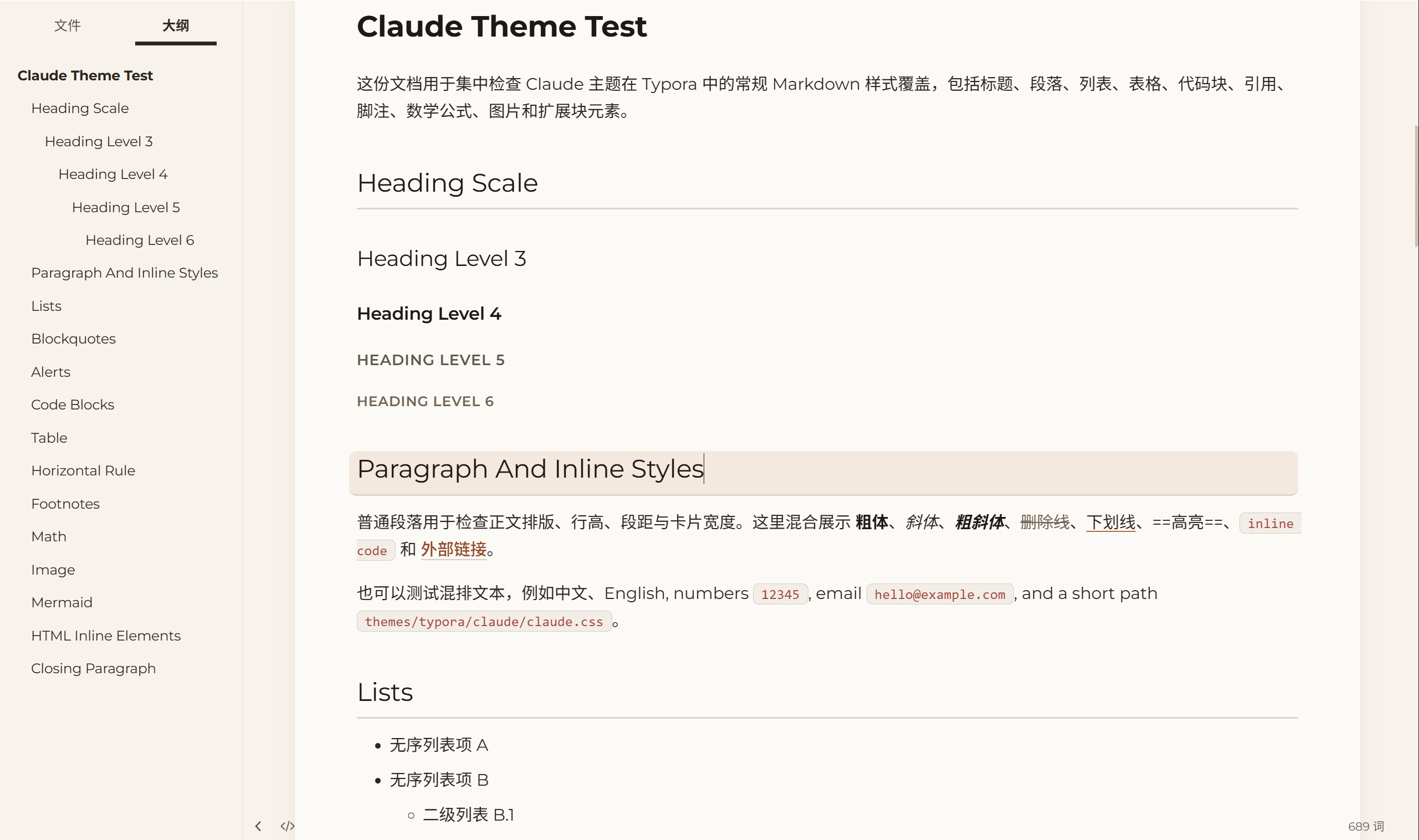
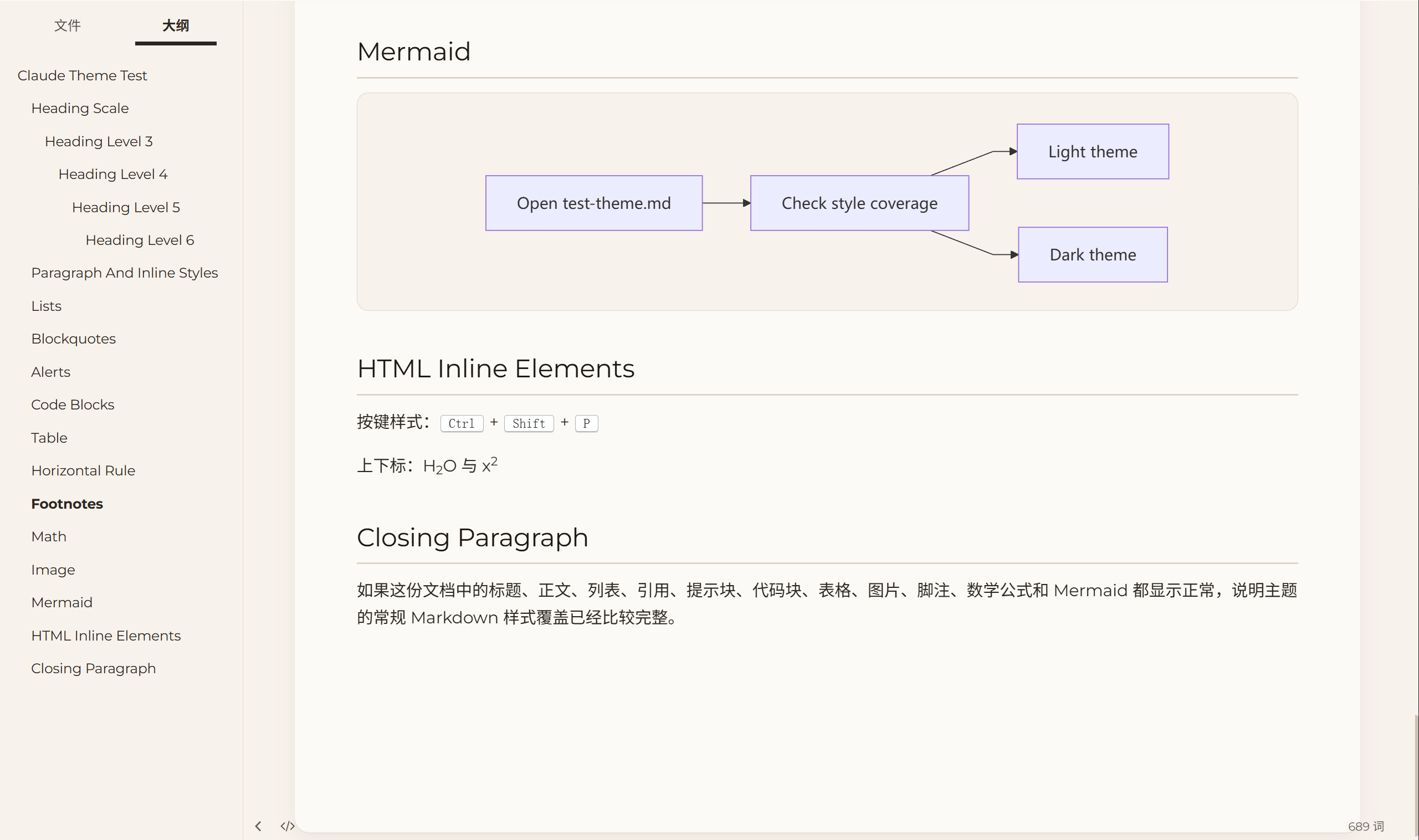
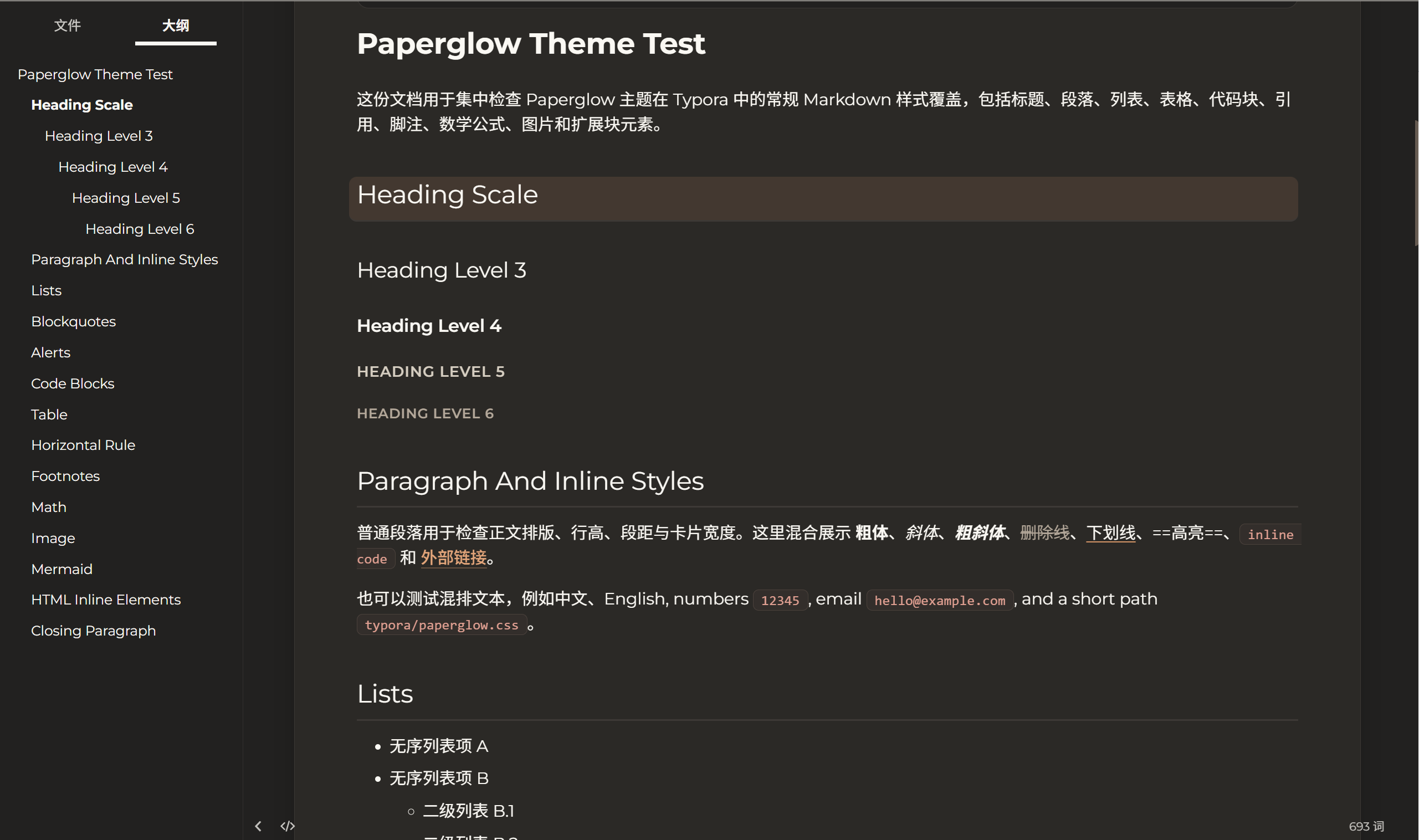
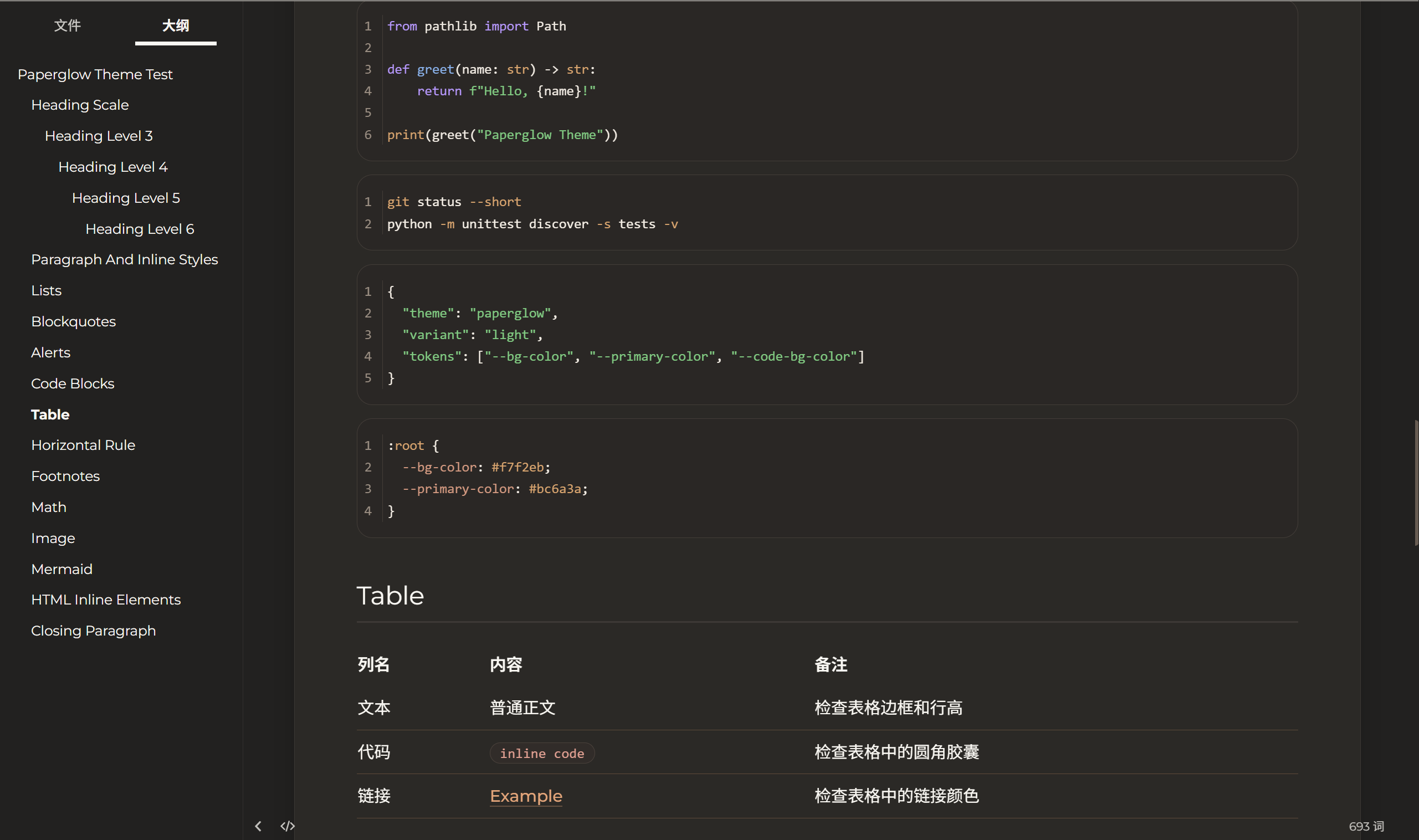
Paperglow is a paper-first Typora theme built around warm daylight pages, quiet contrast, and soft editorial spacing. The goal is simple: make long writing sessions feel closer to reading a printed manuscript than staring at a bright app window.
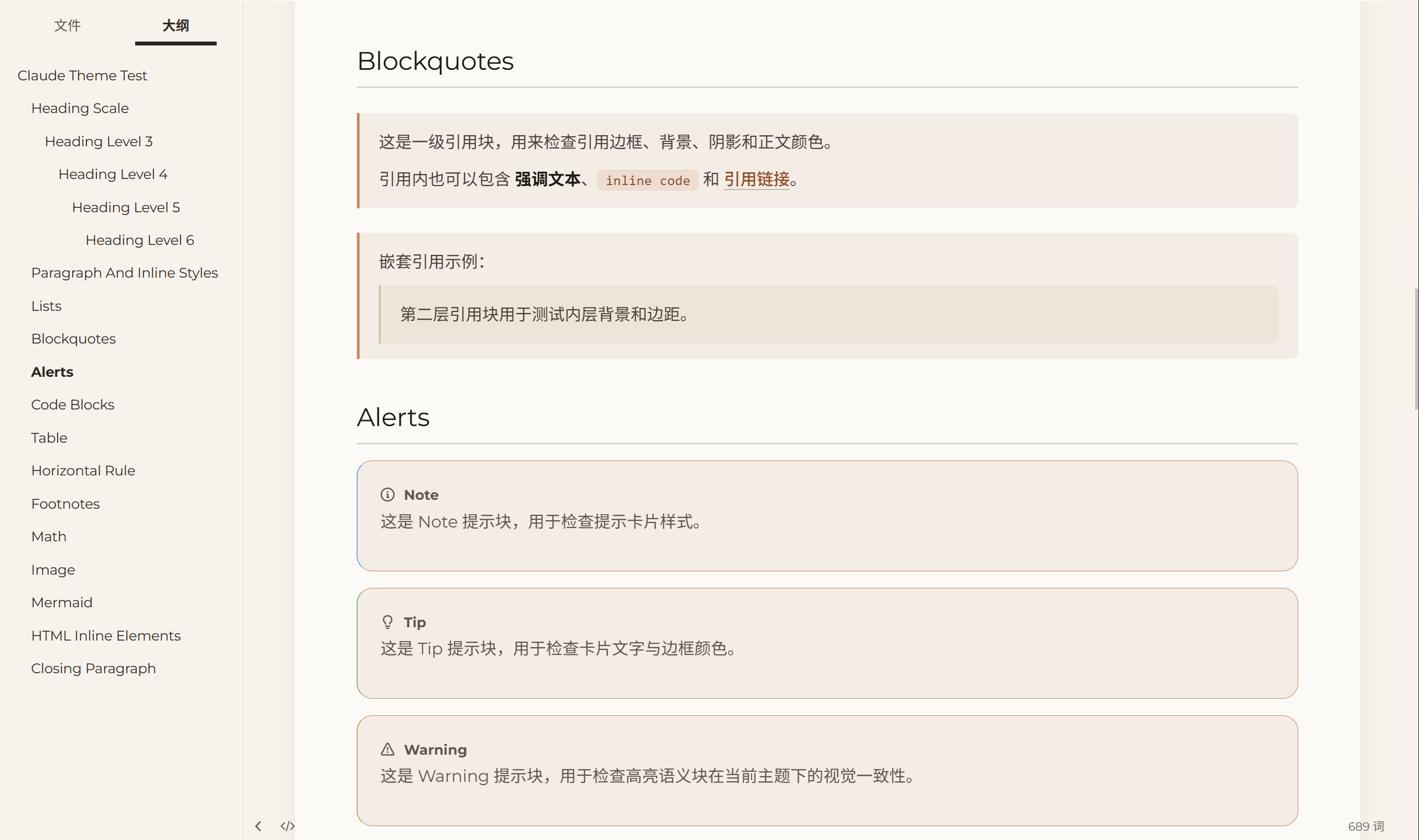
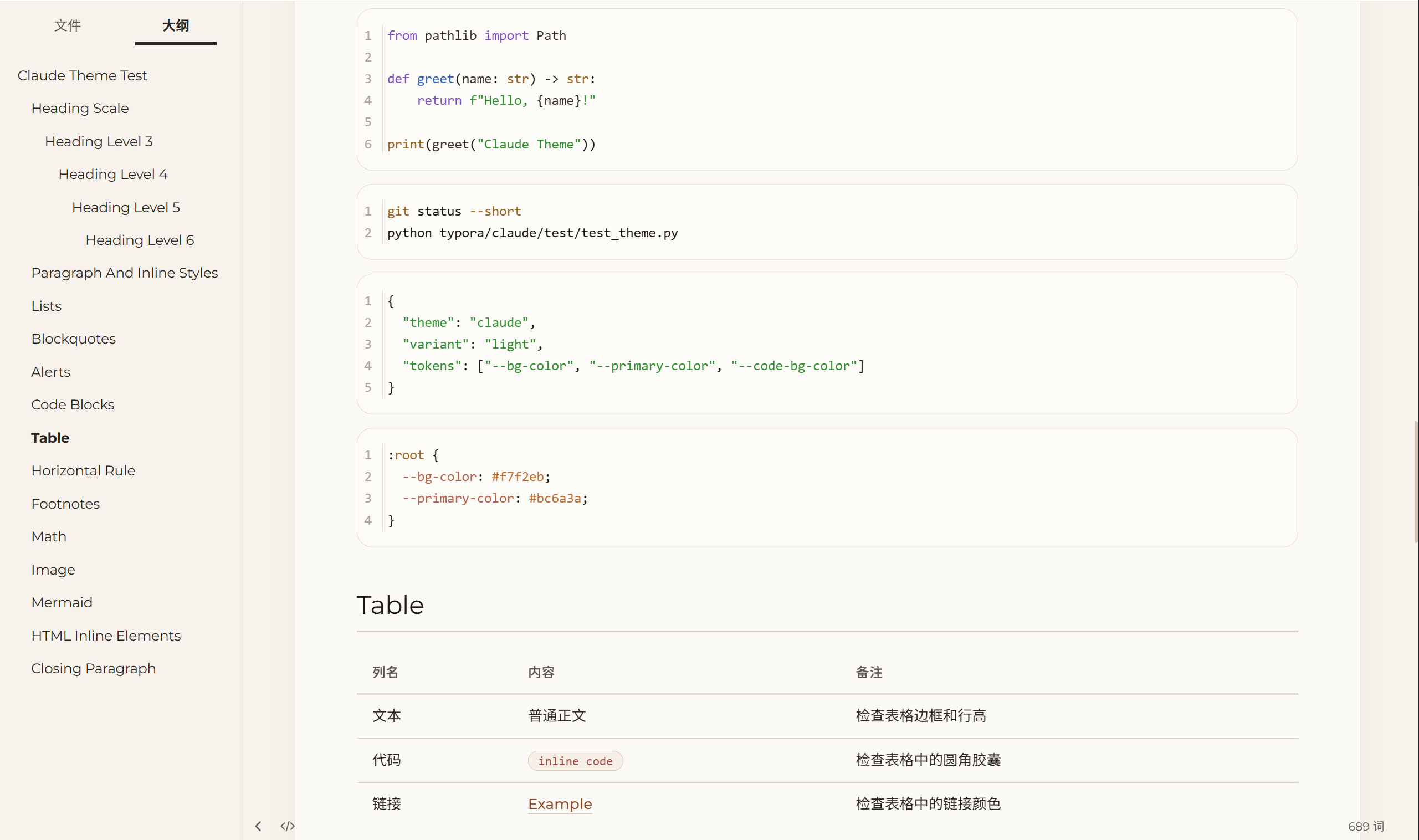
It ships with a light theme for daytime reading and a dark companion theme for late-night writing. Links, blockquotes, code fences, tables, Mermaid blocks, and sidebar surfaces all follow the same warm neutral palette so the UI stays cohesive without pulling attention away from the text.
Designed and tested on Windows. Not fully tested on macOS/Linux.
Installation
- Download
typora-paperglow.zip. - Open Typora and go to
Preferences > Themes > Open Theme Folder. - Copy
paperglow.cssandpaperglow-dark.cssinto the opened theme folder. - Restart Typora.
paperglow-dark.css imports paperglow.css, so both files must stay in the same folder.
Usage
Choose paperglow for the light variant or paperglow-dark for the dark variant from Typora’s theme menu.
On Windows, Typora’s native title bar does not fully inherit CSS styling. If you want the top area to blend with the theme, switch Settings > Appearance > Window Style to Unibody and restart Typora.
Preview
中文
Paperglow 想做的不是“好看一点的编辑器皮肤”,而是把下雨天的纸页感、书房里的灯下光线、稿纸一样的阅读节奏还给写作者。亮色版偏暖纸面,夜间版偏深木与墨色;引用、代码、表格和侧栏都尽量压低存在感,让注意力回到文字本身。
安装
下载 typora-paperglow.zip,把 paperglow.css 和 paperglow-dark.css 一起复制到 Typora 主题目录,重启后即可在主题菜单中切换使用。