Pure Prism
Pure Prism
Elegant · Minimal · Easy on the Eyes
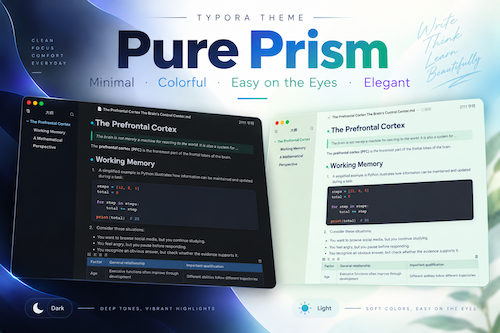
Pure Prism is a thoughtfully designed theme for Typora, combining soft Morandi-inspired colors, clean typography, and balanced visual hierarchy to create a more comfortable experience for reading, writing, and organizing knowledge.
- Elegant Aesthetics: Muted colors and refined details create a harmonious, understated look that feels calm and timeless.
- Clean & Focused: Clear heading hierarchies, generous whitespace, and consistent typography keep your content at the center of attention, free from unnecessary distractions.
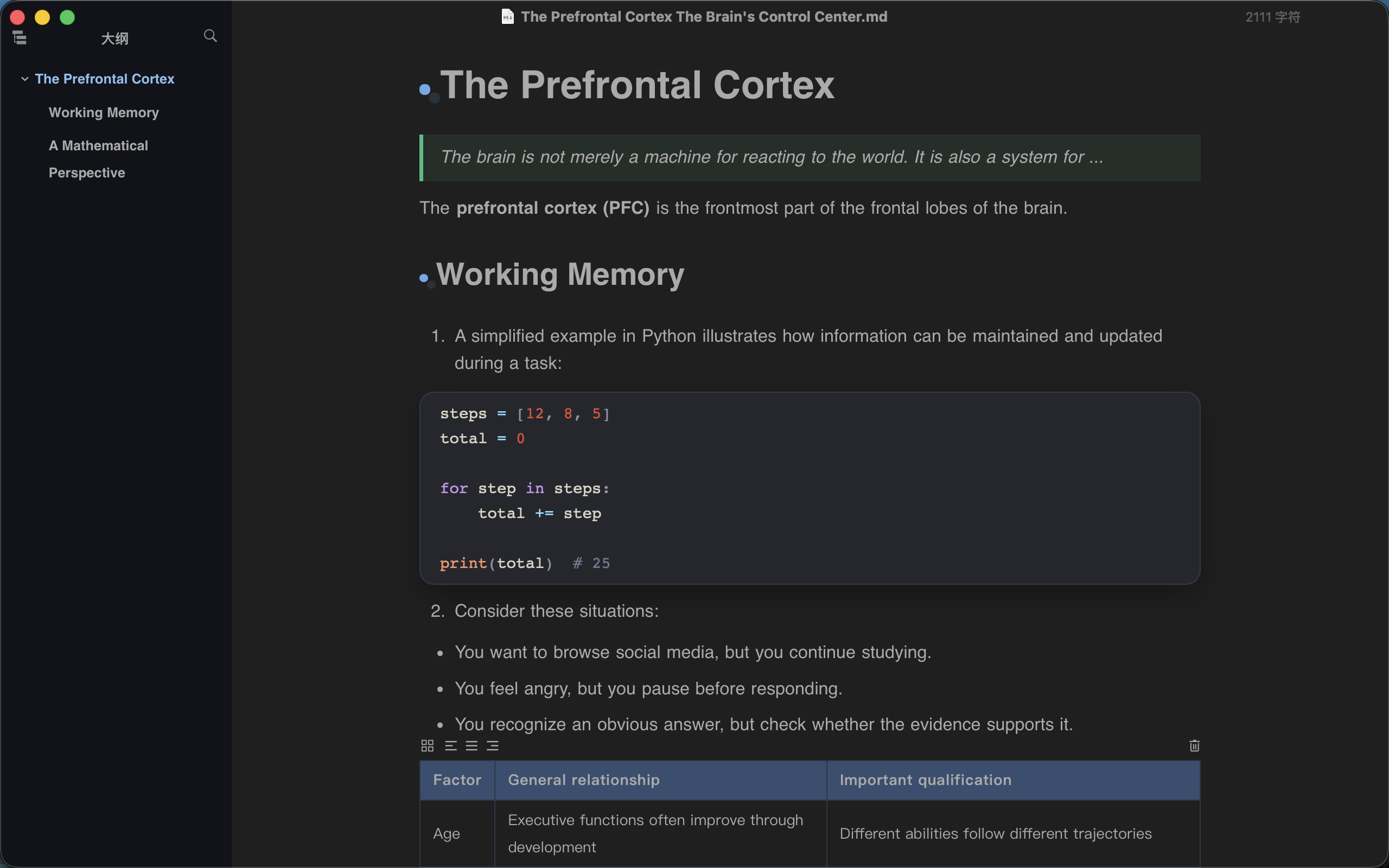
- Easy on the Eyes: Light and Dark modes adapt to different lighting conditions and personal preferences.
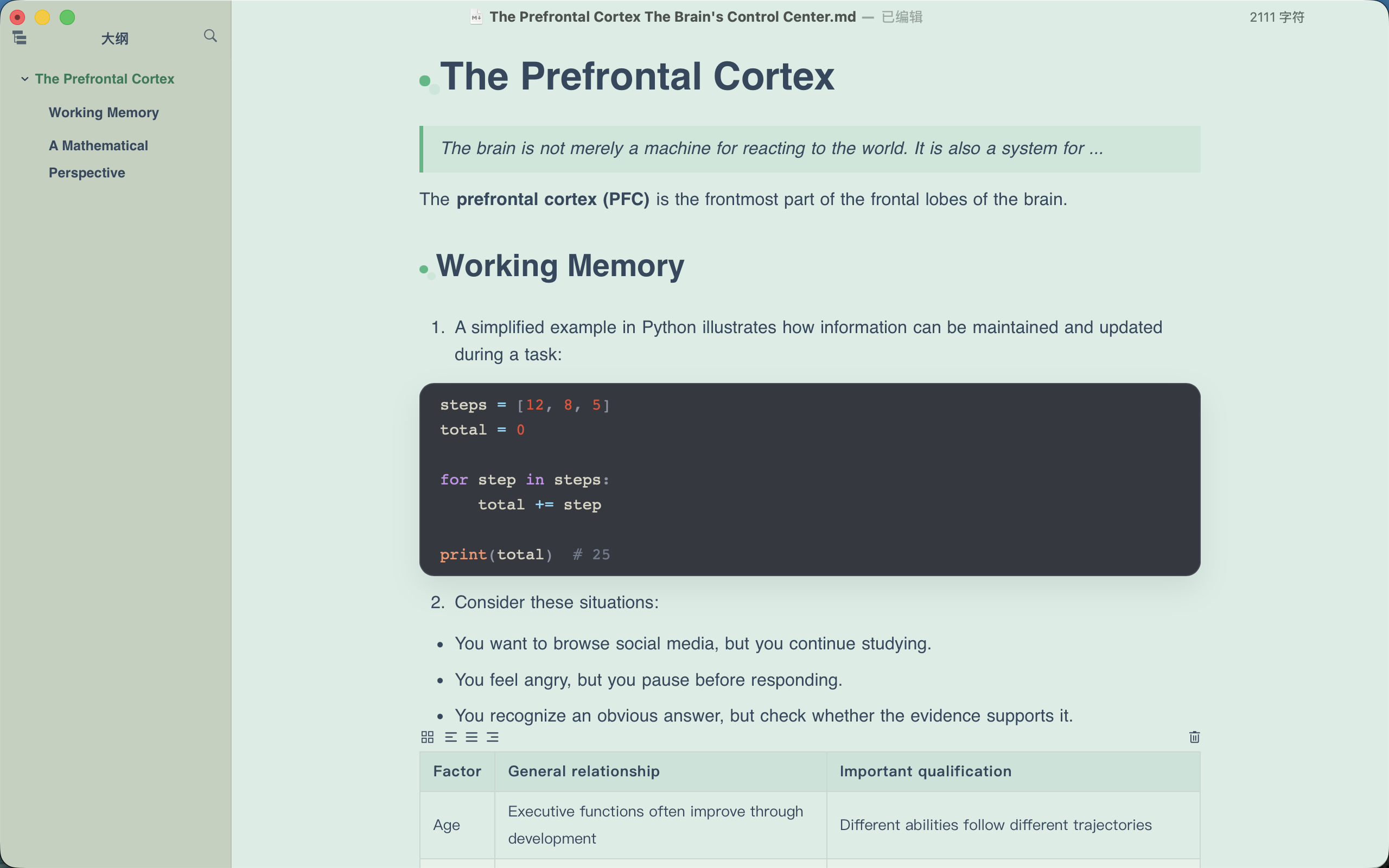
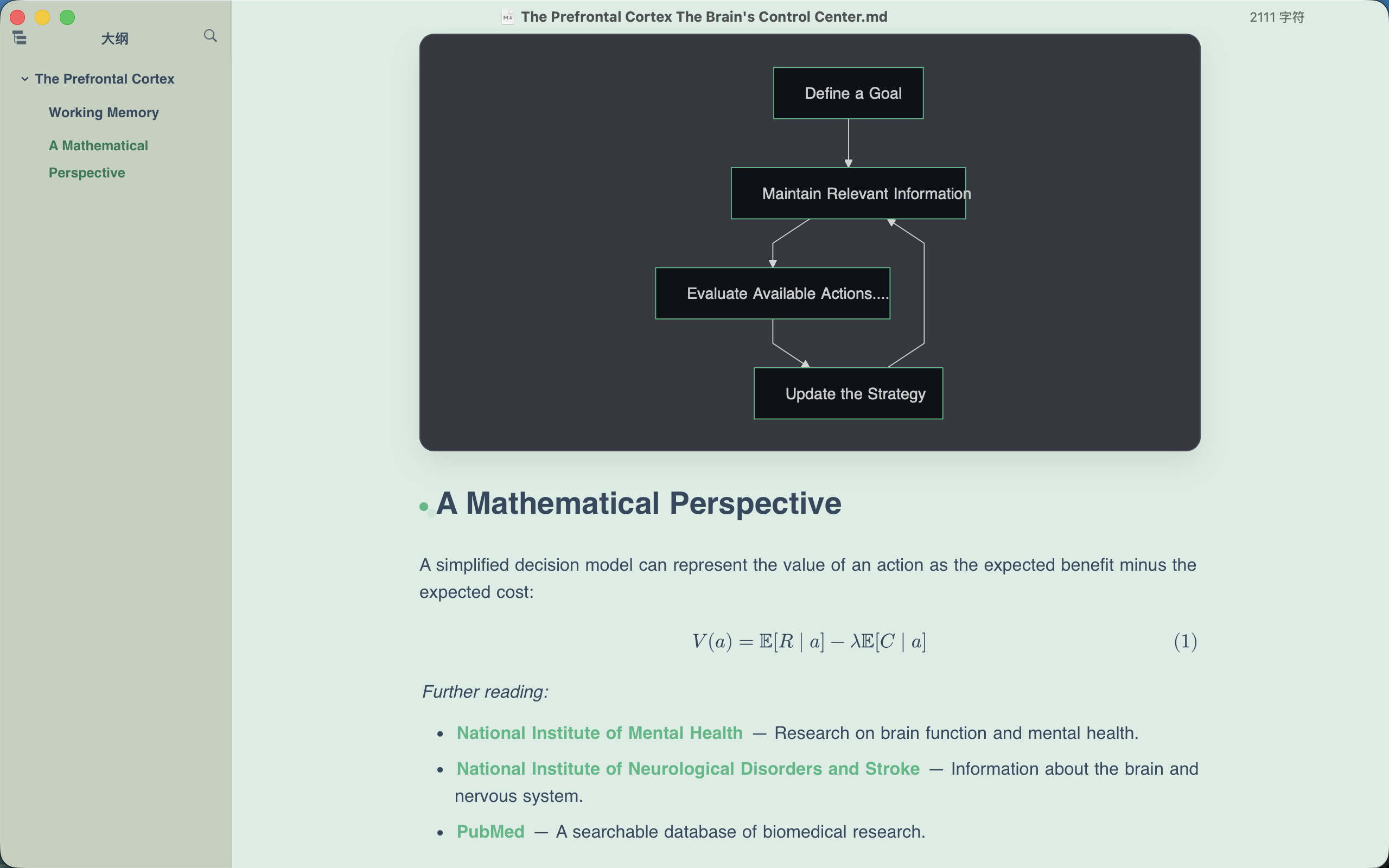
- Code & Diagram Styling: Carefully coordinated styles for syntax highlighting, tables, blockquotes, and other Markdown elements make technical notes clearer and easier to read.
Pure Prism — Same Clarity, Different Light.
Make every note clearer. Make every writing session more comfortable.
Pure Prism 是一款专为 Typora 打造的 Markdown 主题,以清透的莫兰迪配色、简洁的排版和舒适的视觉层次,为长时间阅读、写作与知识整理提供更好的体验。
- 优雅美学:低饱和度配色与细腻的视觉细节相结合,营造克制、协调、耐看的界面。
- 简洁专注:清晰的标题层级、舒适的留白与统一的排版,让内容成为视觉中心,减少不必要的干扰。
- 舒适护眼:提供 Light 与 Dark 双模式,适应不同光线环境与使用习惯。
- 代码与图表:精心协调代码高亮、表格、引用与 Markdown 元素的视觉风格,让技术笔记同样清晰易读。
Pure Prism — Same Clarity, Different Light.
让每一次记录都更清晰,让长久写作更舒适。
此主题在 macOS 上设计和测试。虽然尚未完全测试,但应该也适用于 Windows/Linux 系统。
Screenshots
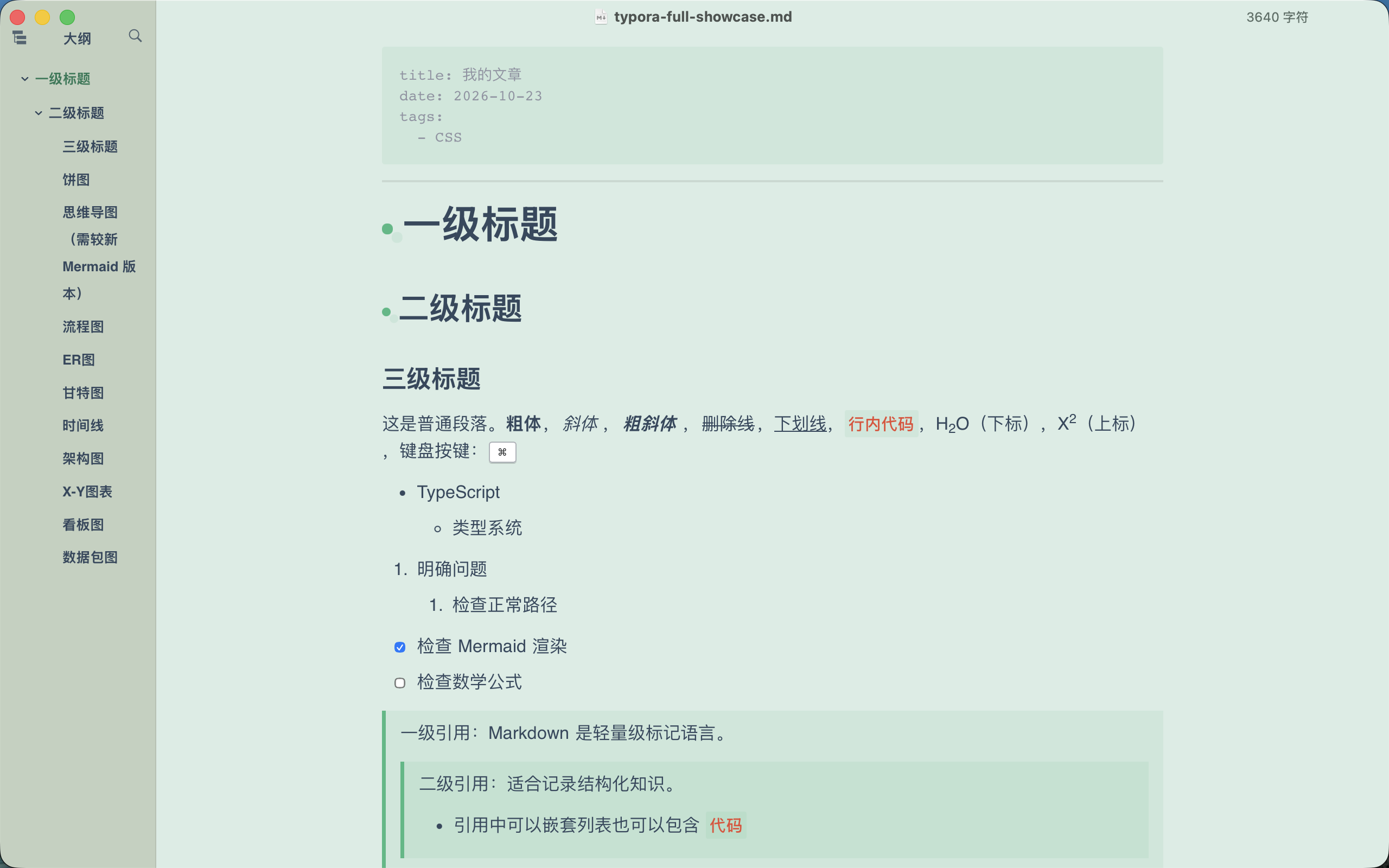
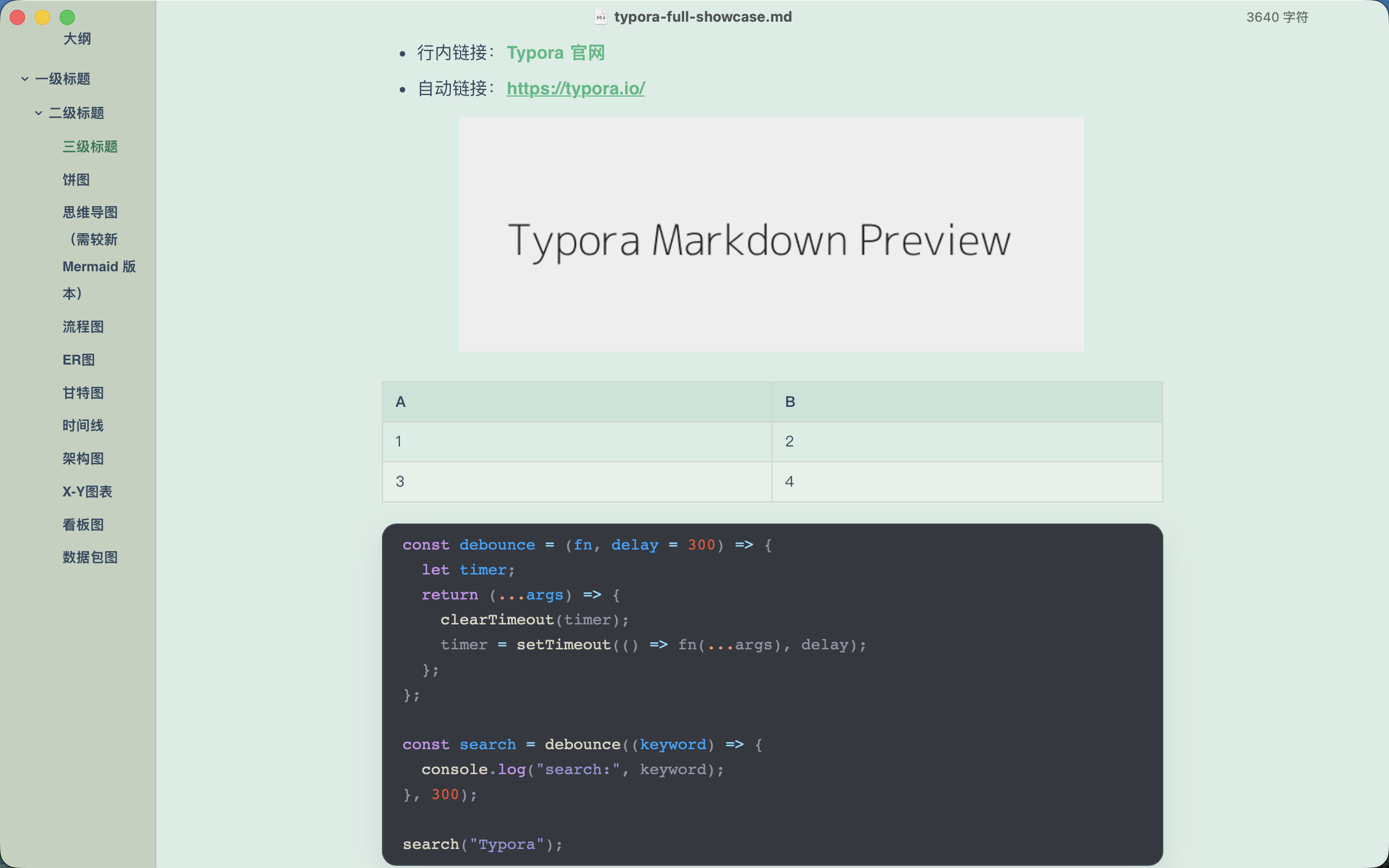
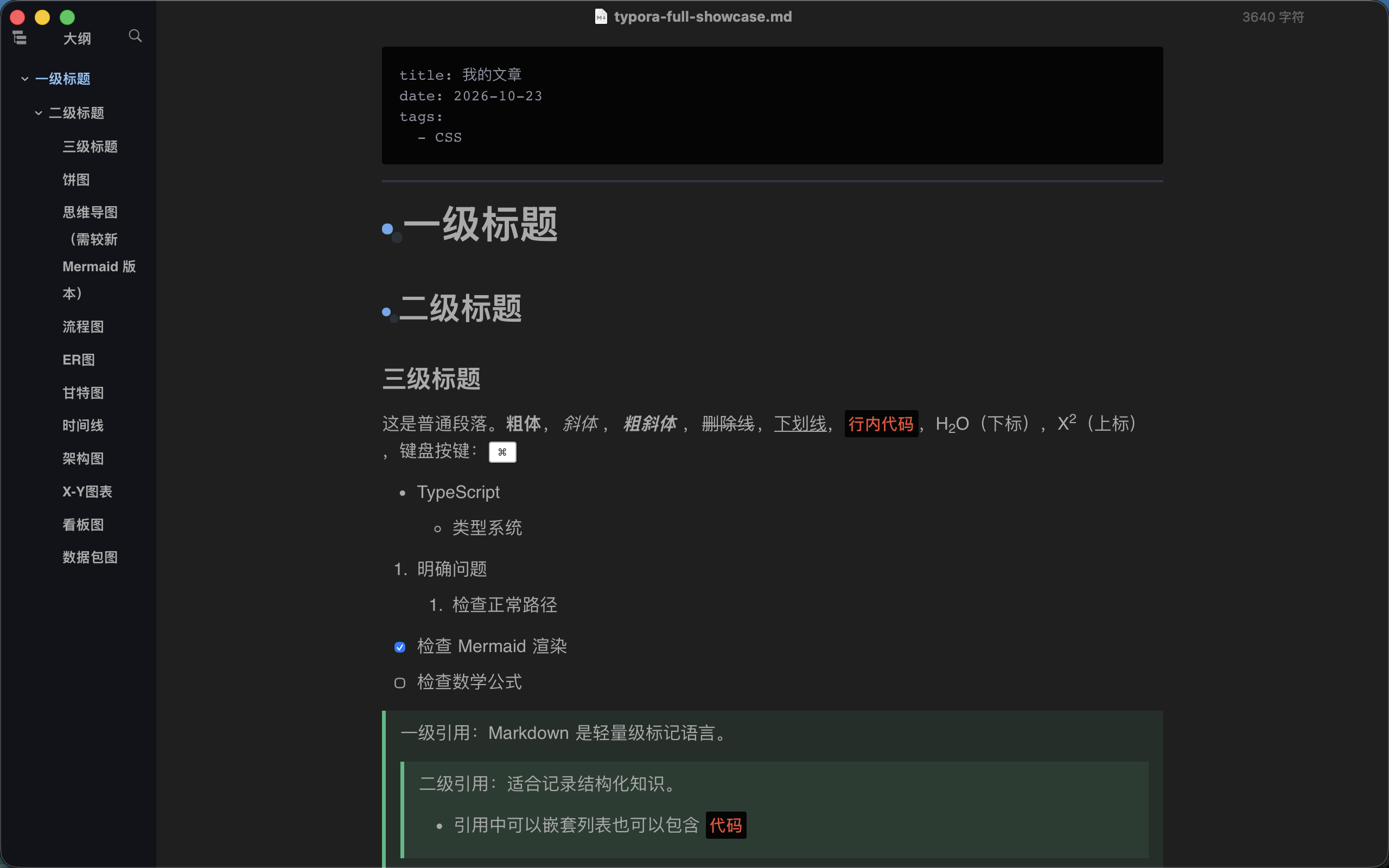
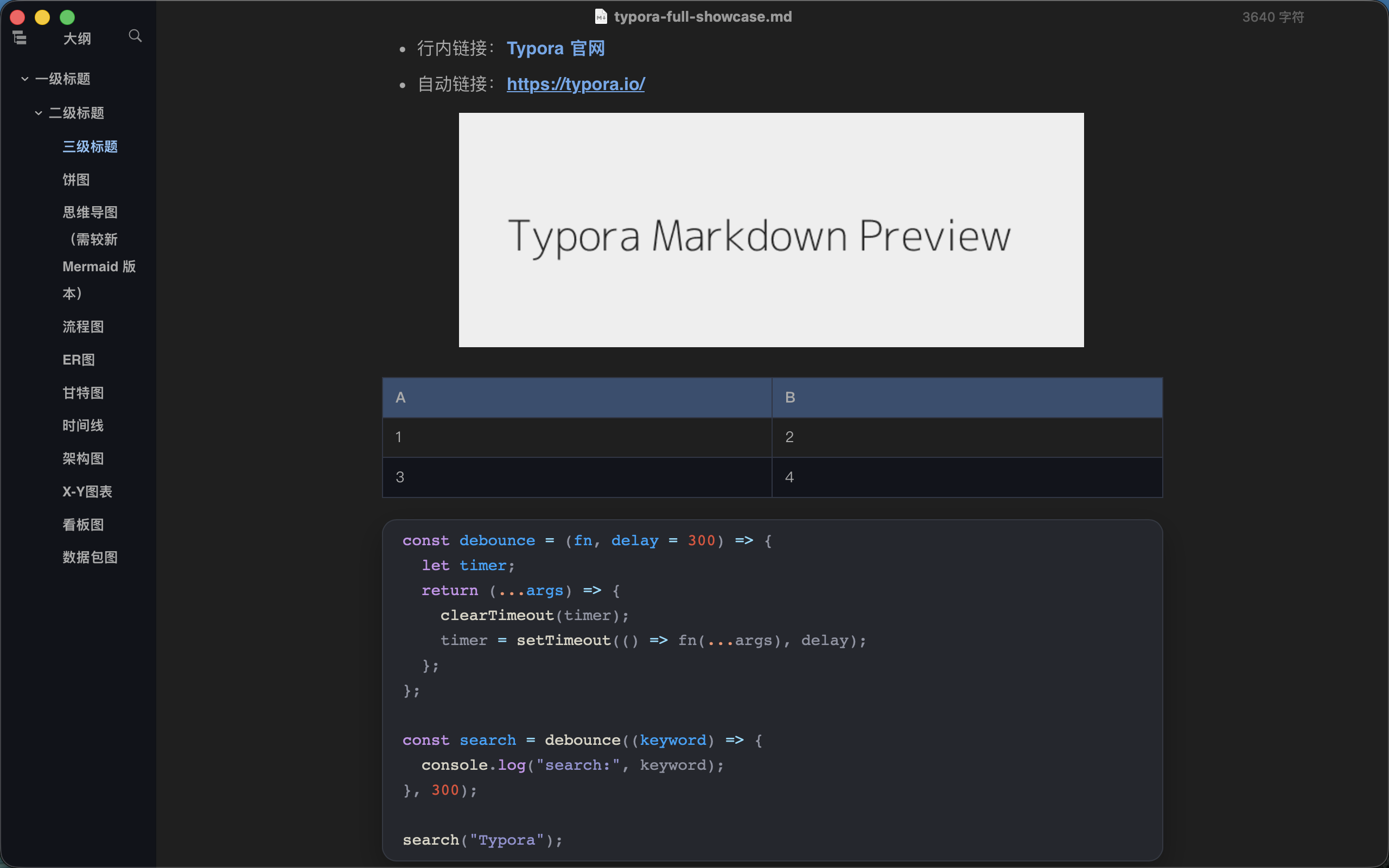
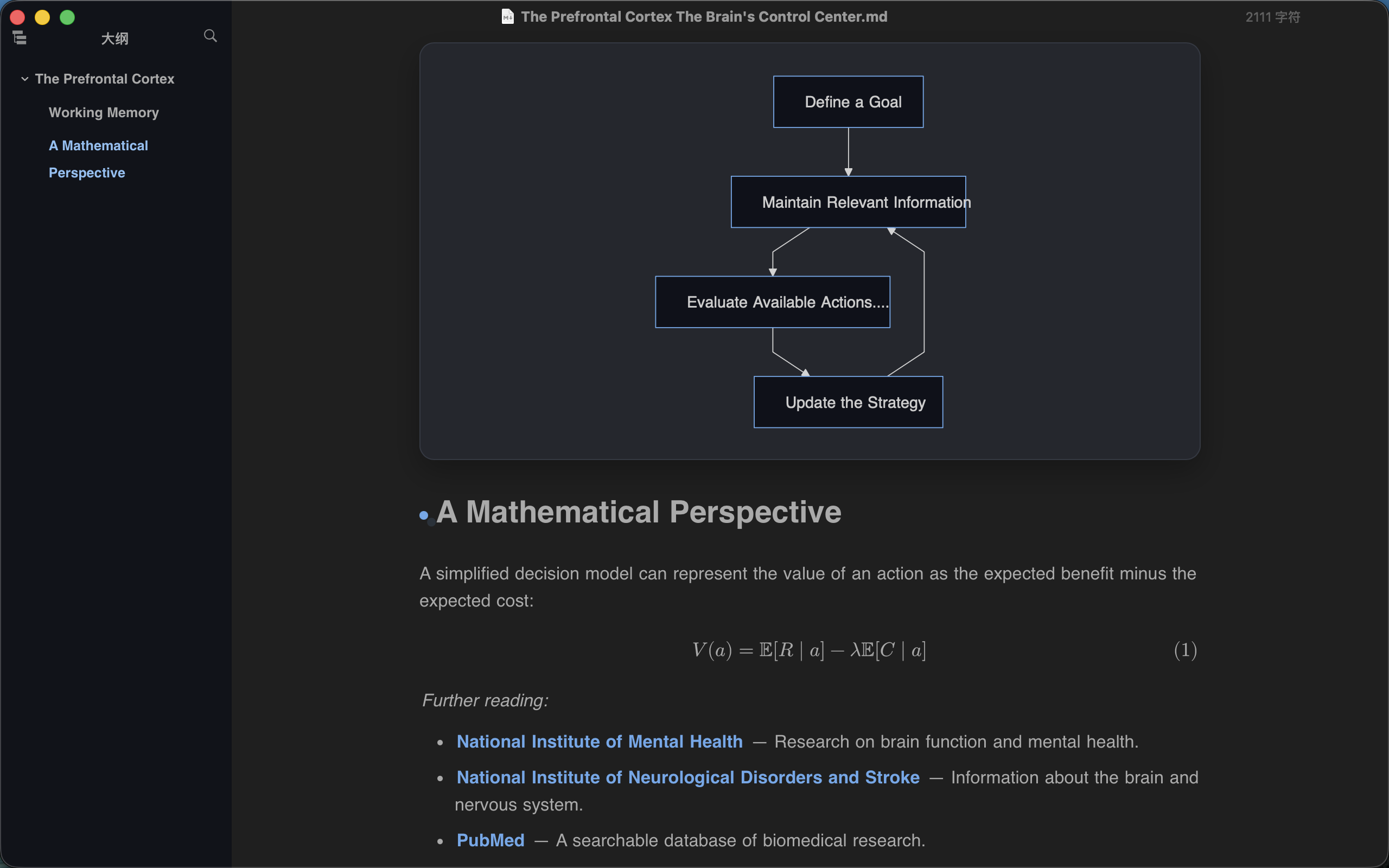
Example
Installation
- Download and extract Pure Prism.
- In Typora, open Settings → Appearance → Open Theme Folder.
- Copy
pure-prism.css,pure-prism-dark.cssand the completepure-prism/resource folder into the theme folder. - Restart Typora and select Pure Prism from the Themes menu.
License and attribution
The theme is distributed under the MIT License.