Readable Resume
Readable Resume
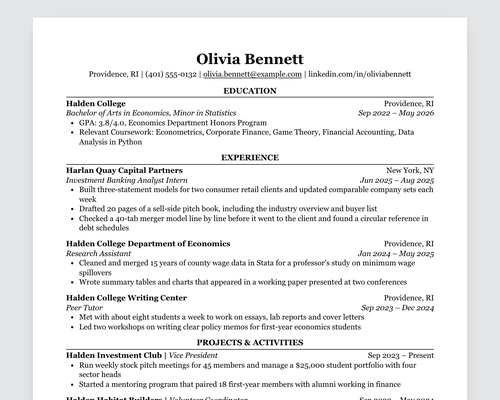
A theme for writing a one-page resume in Typora. You type headings and bullets as usual and export a PDF with your name centered at the top, section headings in capitals over a thin rule, and places and dates on the right margin. The layout is the Classic template from ReadableResume, where the same design is available for Google Docs and Word.
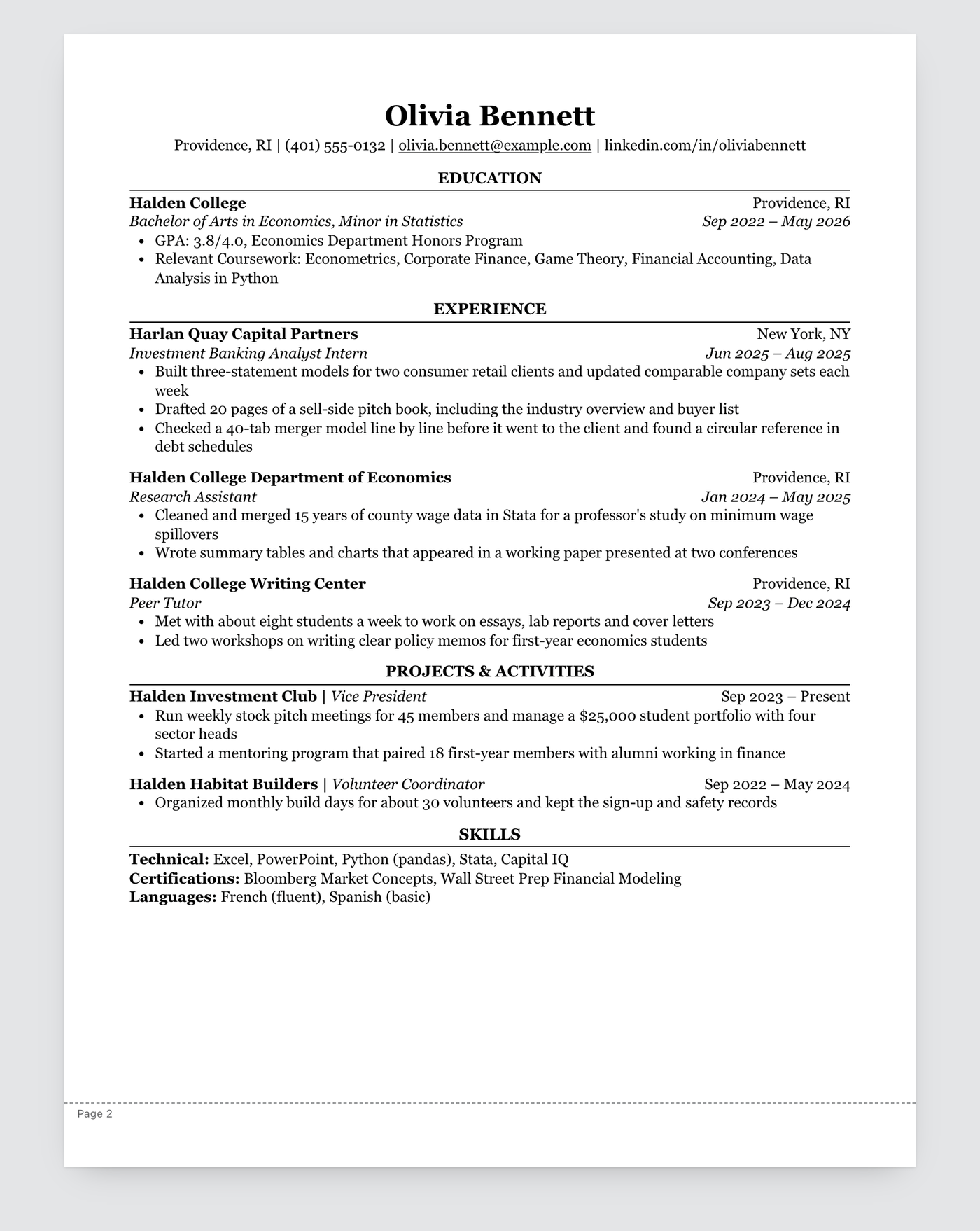
The PDF is a single column with no tables, text boxes or icons, and the text comes out in the order you read it. That’s the text applicant tracking systems parse.
Writing a resume with it
| You type | On the page |
|---|---|
# Your Name |
Your name, centered |
| The paragraph right after it | The contact line, centered |
## Experience |
A section heading in capitals over a rule |
### Company and text in backticks |
A bold line, with the backtick text on the right margin |
#### Job Title and text in backticks |
An italic line, with the backtick text on the right margin |
- |
A bullet point |
### Harlan Quay Capital Partners `New York, NY`

#### Investment Banking Analyst Intern `Jun 2025 – Aug 2025`

- Built three-statement models for two consumer retail clients
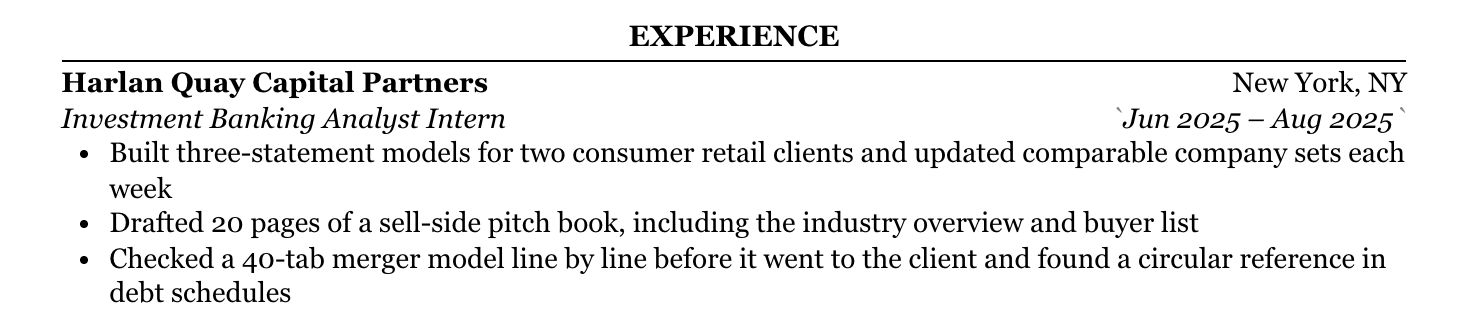
Backticks mark what goes on the right. Typora shows them only while the cursor is in that text:
A dashed line marked “Page 2” is a guide to where the first page ends, drawn for A4’s width and Letter’s height. If everything is above it, the resume fits on one page of either size. The line only shows in the editor.
Exporting
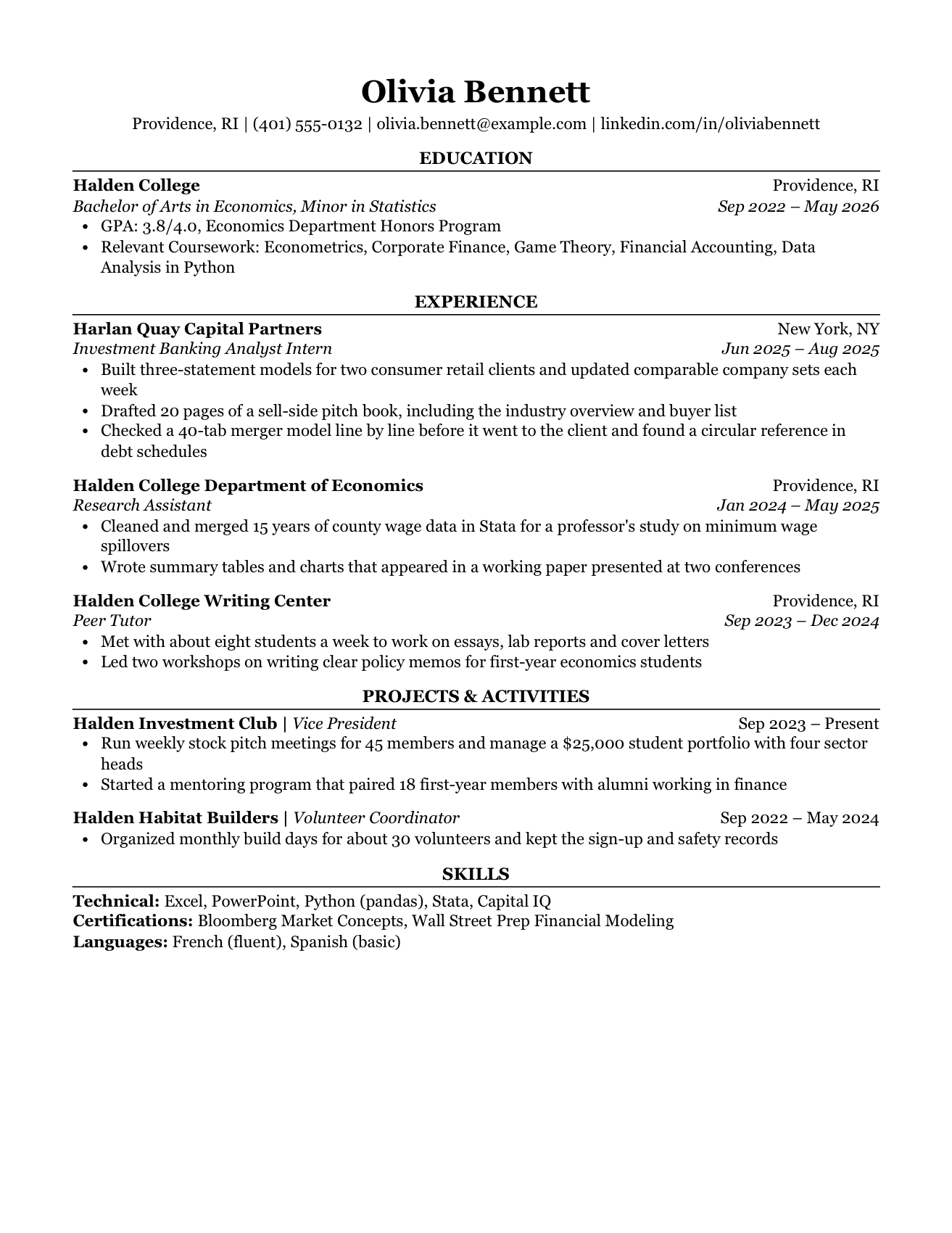
Pick A4 or Letter under Preferences → Export → PDF and leave the margins at the default 16 mm. This is what the sample looks like on Letter:
Installation
- Download the zip and unpack it.
- Open Typora’s preferences and, under Appearance, click Open Theme Folder.
- Copy
readable-resume.cssinto that folder. - Restart Typora and choose Readable Resume from the Themes menu.
The zip also has sample-resume.md to start from. The theme styles the
document only; menus and the sidebar keep Typora’s default look. It’s a light
theme, with no dark version.