Uranus
Uranus
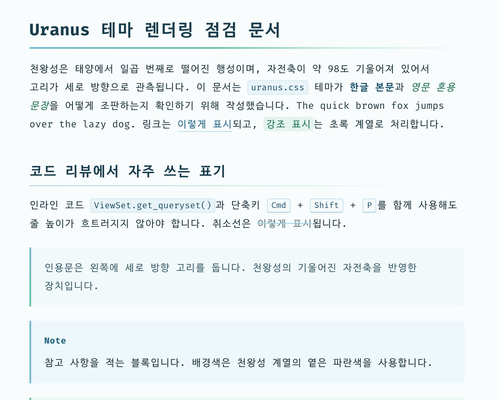
천왕성을 모티프로 삼은 Typora 라이트 테마입니다. 한글로 작성된 긴 리뷰 문서를 오랫동안 읽어도 눈이 덜 피로하도록 조판했습니다.
A light Typora theme inspired by Uranus, designed for reading long Korean (Hangul) review documents with less eye strain.
Variants
| Theme | File | Background | Content width |
|---|---|---|---|
| Uranus | uranus.css |
#f8fcfd (pale blue paper) |
820px |
| Uranus White | uranus-white.css |
#ffffff |
820px |
| Uranus Wide | uranus-wide.css |
#f8fcfd |
1100px |
| Uranus White Wide | uranus-white-wide.css |
#ffffff |
1100px |
Highlights
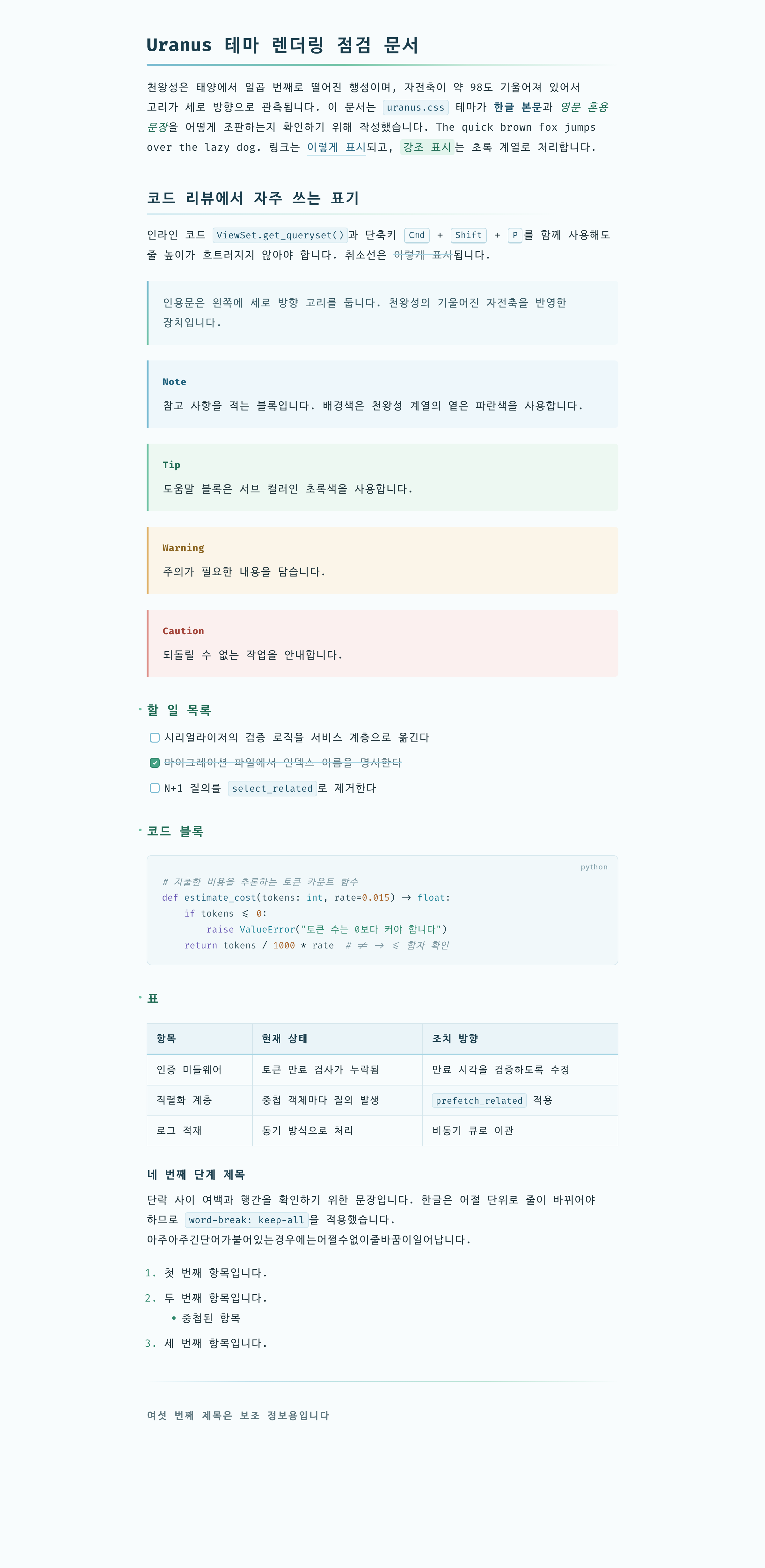
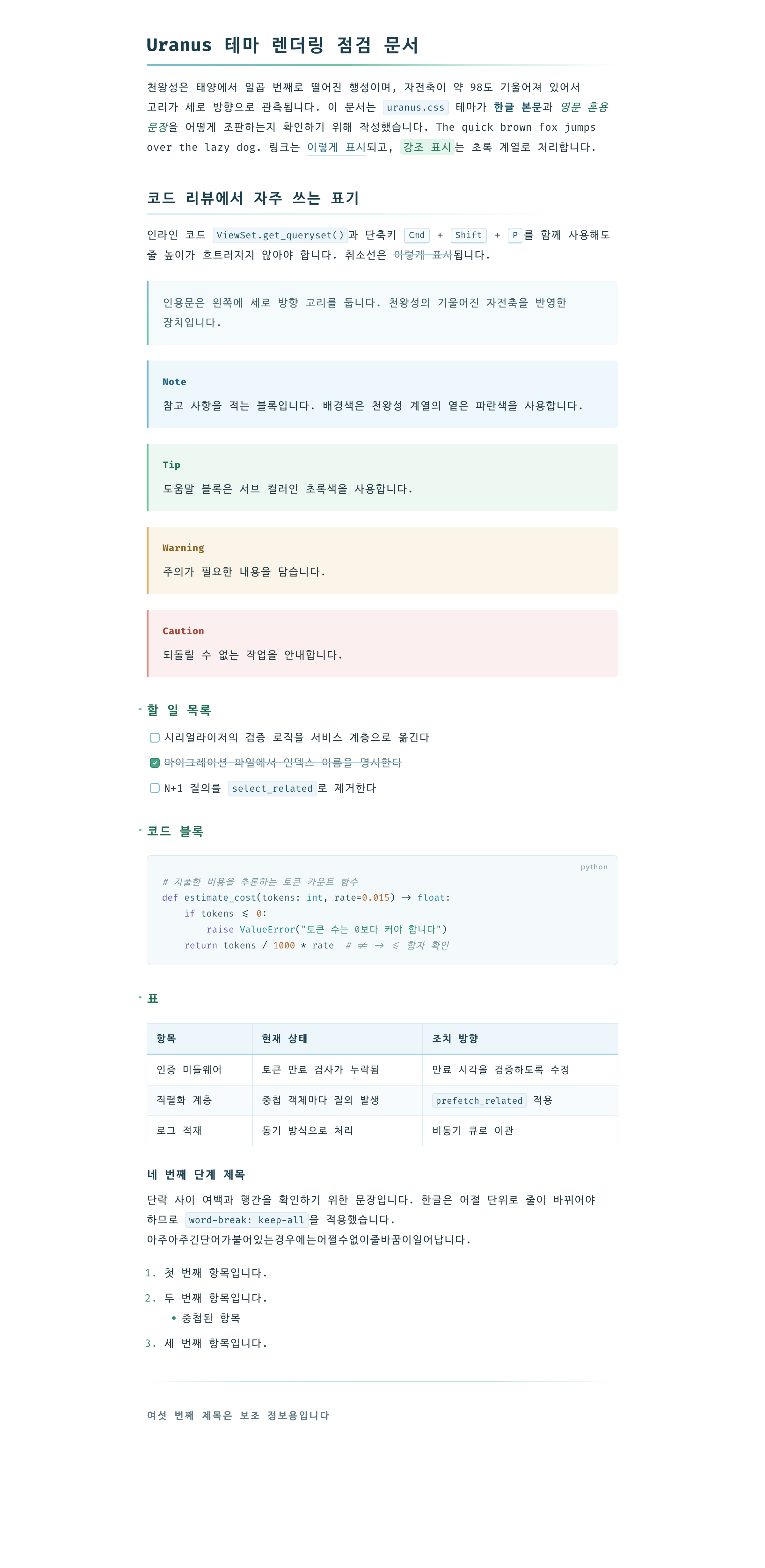
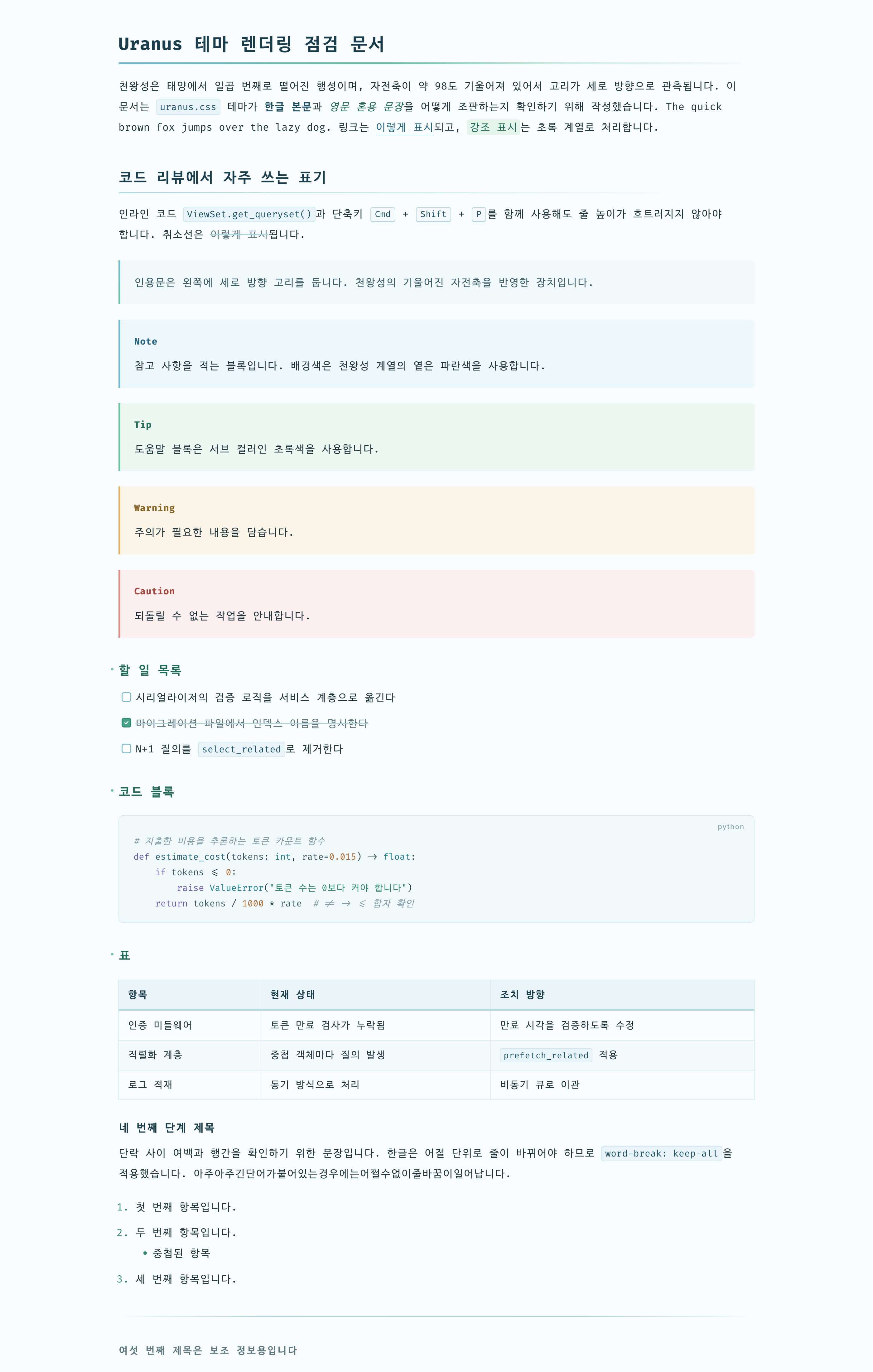
- Hangul typesetting: 1.9 line height,
word-break: keep-allso lines never break inside a Korean word, no justified text. 820px width fits about 44 Hangul characters per line. Wide variants use 1100px with a 2.0 line height. - Fonts: Fira Code for Latin and symbols, D2Coding ligature for Hangul. D2Coding ligature follows Fira Code’s ligature rules, so
->,=>,!=look consistent across both. Pretendard for the sidebar and menus. Falls back to the system monospace font when not installed. - Uranus motif: a vertical blue-to-green “ring” on blockquotes (Uranus’s rings are seen vertically because of its 98° axial tilt), and the same gradient as an underline on h1 and h2.
- Color: nine-step blue and eight-step green palettes as CSS variables. Link color
#256580meets WCAG AA (about 6.2:1). - Review-friendly elements: five GitHub-style alerts (
[!NOTE],[!TIP],[!IMPORTANT],[!WARNING],[!CAUTION]), dimmed and struck-through completed tasks, language label on code blocks, striped tables, Mermaid and MathJax colors matched to the theme. - Print / PDF: headings are kept with their content, code blocks and tables are not split across pages.
Screenshots
Installation
- Download typora-uranus-theme.zip from the latest release and extract it.
- In Typora, open Preferences → Appearance → Open Theme Folder.
- Copy the four CSS files and the
uranusfolder into the theme folder. The variants load each other with@import, so keep the files together. - Restart Typora and select Uranus, Uranus White, Uranus Wide or Uranus White Wide from the Themes menu.
Recommended fonts: D2Coding, Fira Code, Pretendard. On macOS: brew install --cask font-d2coding font-fira-code font-pretendard.
Tested with Typora 1.14.9 on macOS.