Vercel Dark
Vercel Dark
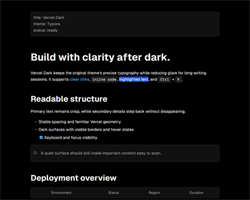
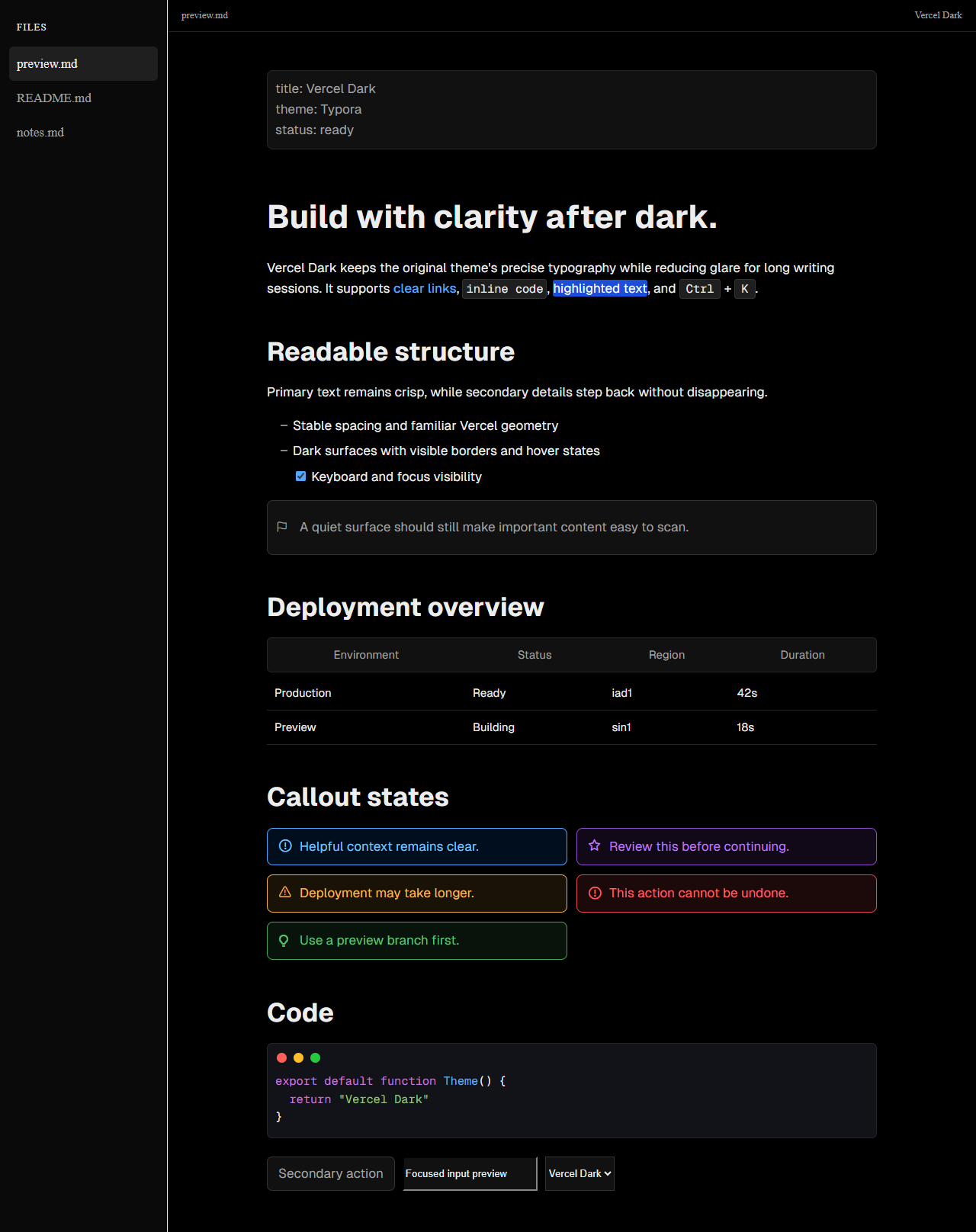
Vercel Dark brings Vercel’s clean document style to Typora with a black canvas, layered dark surfaces, restrained borders, and crisp typography for low-light writing.
It preserves the original Vercel theme’s Geist typeface, Inter italic variant, and LXGW WenKai support for Chinese text while extending the palette across Typora’s editor and application chrome.
Features
- Complete dark interface — the editor, sidebar, file tree, outline, menus, dialogs, search, preferences, notifications, and scrollbars share one cohesive palette.
- Readable document styling — headings, links, blockquotes, tables, task lists, footnotes, math, and horizontal rules are tuned for clear hierarchy on dark surfaces.
- Dark code experience — inline code, fenced code blocks, source mode, and syntax highlighting use layered backgrounds and accessible colors.
- Responsive writing layout — the document column and spacing adapt for narrower Typora windows.
- Print-safe output — print styles return documents to a white page with dark text and simplified decoration.
- Bundled typography — Geist, Inter Italic, and LXGW WenKai fonts are included with the theme.
Preview
Installation
- Download and extract Vercel Dark.
- In Typora, open Settings/Preferences → Appearance → Open Theme Folder.
- Copy
vercel-dark.cssand the completevercel/resource folder into the theme folder. - Restart Typora and select Vercel Dark from the Themes menu.
Credits
Vercel Dark is a dark-mode fork of tecladochen’s Vercel theme and is distributed under the original MIT license.